Aspen X2 Family Portal - Weymouth Public Schools
←
→
Page content transcription
If your browser does not render page correctly, please read the page content below
Aspen X2
            Family Portal

4/13/2019                   WPS, pmf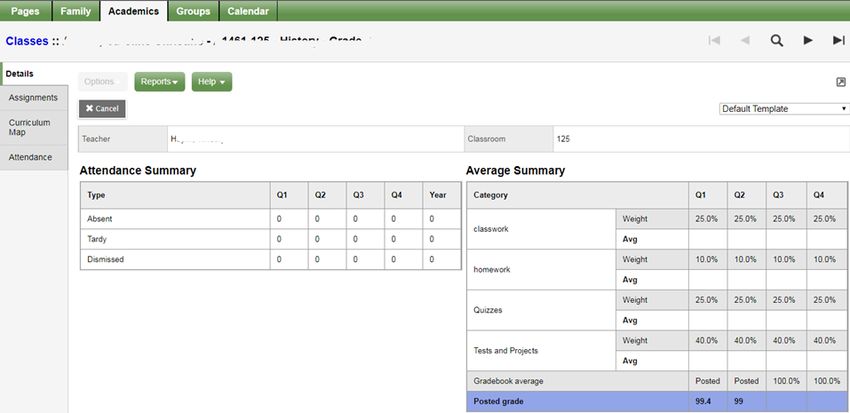
Weymouth’s Student Information
                 System – Aspen X2
      Website: https://ma-weymouth.myfollett.com

                     For help logging in put in a “ticket” at:

                  https://weymouthps.on.spiceworks.com/portal

4/13/2019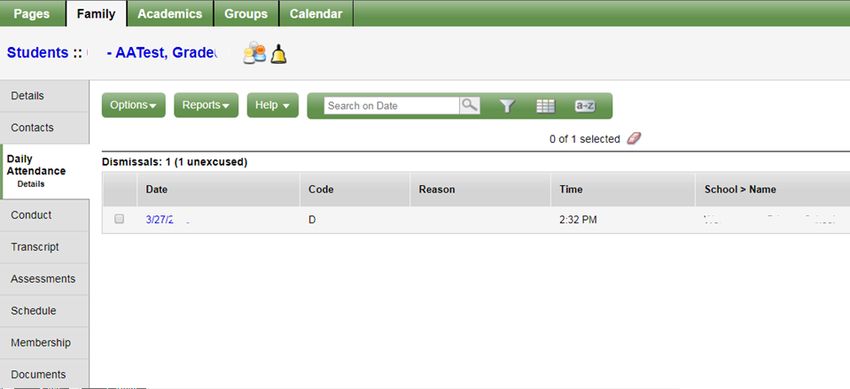
HOME PAGE

 Progress Reports and Report Cards will be available in the
      “Published Reports” section of the home page.
             The report will be an Adobe pdf.
4/13/2019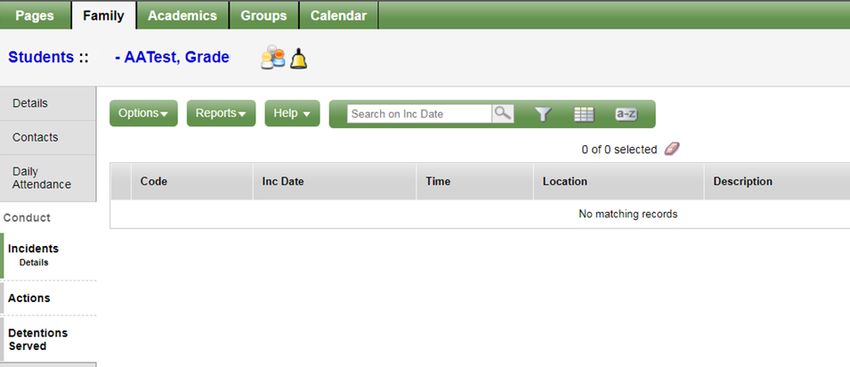
Set Preferences

• General – change
  nothing
• Home – turn on Tasks
  for athletic registration
• Security – Can be used
  for password retrieval
 4/13/2019
Pages
            Home is the first page listed on your
            Pages tab.
            Categories are: Academic and Other
            To see if any are available, click “Page
            Directory”

                  Every family account has access
                  to “WPS Family portal “Page”

4/13/2019
FAMILY – BASIC INFORMATION

                Contacts: If anything is missing or wrong
                     contact:
                  High School: Linda Duane, Registrar at
                  linda.duane@weymouthschools.org or call
                  (781) 337-7500 x 25126

4/13/2019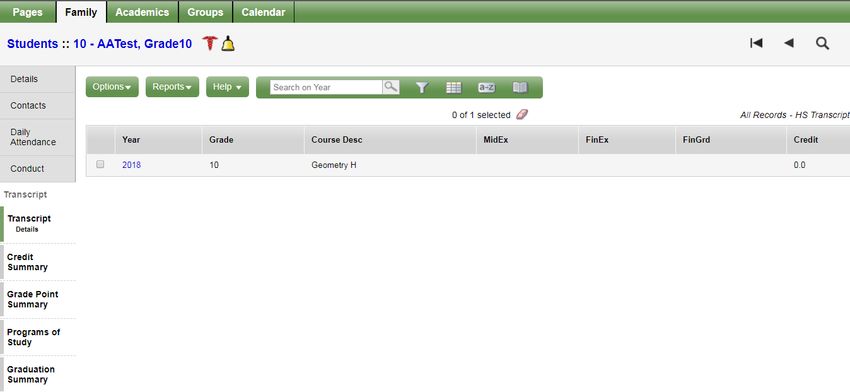
Navigation and Filter Buttons

            Filter Button          Field Set Button

              Navigation Buttons
                                   Find Button

4/13/2019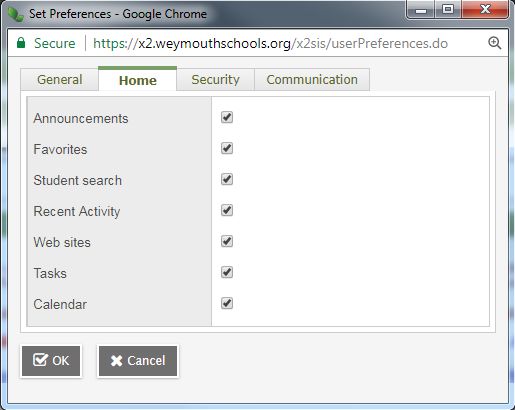
DAILY ATTENDANCE                       A = Absent
                                                   T = Tardy
                                                   D = Dismissed
                                                   E = Excused

             Problems with Attendance should be
                       addressed to

               Donna Affsa, Attendance Secretary
             at donna.affsa@weymouthschools.org
                               or
                    (781) 337-7500 x 25102

4/13/2019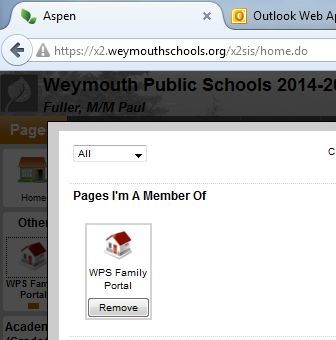
CONDUCT

              The “Bell” - lets you know
              where your child is at the
              time you click on it during
              the school day.
4/13/2019
TRANSCRIPTS
Current Classes
In this instance the “filter” button would
allow you to include “All Records” which
for 10-12 graders would include previous
4/13/2019 p.m.f.
years.GRADUATION SUMMARY If your child is in the CTE program, Change Graduation Requirements to: “Graduation Requirements/CTE
ASSESSMENTS

                     MCAS Standard Performance Levels

     Grade 3 through 8           Grade 10
     A = Advanced                A = Advanced
     P = Proficient              P = Proficient
     NI = Needs Improvement      NI = Needs Improvement
     W = Warning                 F = Failing
4/13/2019
Schedule - Requests 4/13/2019
Notifications

4/13/2019
Notification of Grade
• From: Admin, X2                                        Email Example
  Sent: Saturday, September 13, 2018 6:34 AM
  To: Parent Name
  Subject: Notification of student grade entry

   Dear Parent/Guardian,

   Based on your subscription to the Aspen X2 grades notification, the following grade
   entry meets the criteria you selected.

   Thank you for supporting and engaging in your student's academic growth.

   Student Name received a grade 30 of 50.00 on 09/12/2018 for
   Trigonometry/Calculus H H16400-001
Notification of Conduct
                                                    Email Example
From: Admin, X2
Sent: Saturday, September 20, 2018 7:03 AM
To: Parent Name
Subject: Notification of student conduct incident

Dear Parent/Guardian,

You are receiving this notification based on your subscription to the
conduct notification in Aspen X2.

Student Name was entered for a conduct incident "Cutting a class" on
11/18/2018 07:20 AM
Comment: Testing...Testing...Testing
 4/13/2019
Notification of Progress or Report
Card
Email Example
From: Admin, X2
Sent: Wednesday, May 28, 2018 8:57 AM
Subject: Your progress report has been published to
the Aspen Portal
A copy of your Progress Report has been published to
the Aspen Portal. You can view and print a copy of your
Progress Report from the Aspen Homepage under the
"Published Reports" Section of the screen.
4/13/2019ACADEMICS - DETAILS 4/13/2019
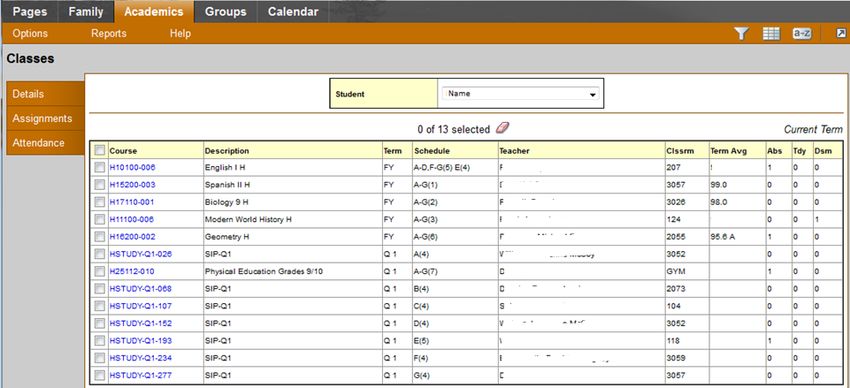
ACADEMICS – BY CLASS

                 Reminder: Whenever you see a
                 “navigation” buttons, they will allow you
                 to move to the next page, in this case
                 the next class.
4/13/2019
Assignments Clicking on the Assignments shows
a visual of all assignments and any
feedback left.
4/13/2019Assignment - Details
Clicking on the actual assignment opens it up to more information
4/13/2019If there is a concern that you need to communicate to all
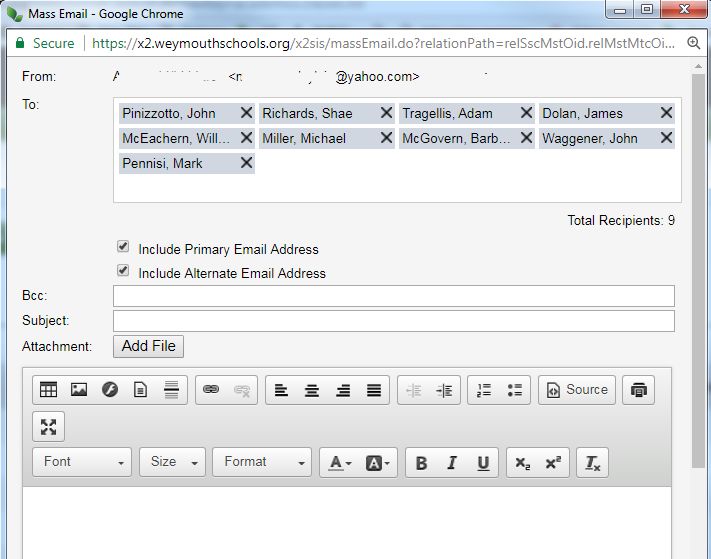
your child’s teachers, you can do a “Mass” email to all.
Click on the “Academics” top tab.
Choose “Options” on the menubar
Choose “Send Email . . .”
In the “TO:” section, Be sure to “X” teachers
who are just for studies.
If you want a copy, put your email address
in the “Bcc” line.
Click the “Send” button on the bottom left
when finished with your message.
4/13/2019Groups
If your child is involved in a sport, you will see them
here. You may also see “class” groups, if the teacher
has created a class “Page”.
4/13/2019Calendar 4/13/2019
You can also read


