LAUSD/Naviance Professional Development - High School eDocs and Scope & Sequence Review
←
→
Page content transcription
If your browser does not render page correctly, please read the page content below

LAUSD/Naviance Professional Development
High School eDocs and Scope & Sequence Review
LAUSD/Naviance Professional Development

Agenda

1. Naviance Overview

2. Naviance eDocs for Teachers

3. Naviance Tools for the Classroom

4. Support and Resources
What is Naviance?

     Connecting Learning to Life
 Naviance is a comprehensive K-12
college and career readiness solution    Self-Discovery   Career Exploration   Success Planning   Post-Secondary
that helps districts and schools align                                                              Preparation

  student strengths and interests to
   postsecondary goals, improving
 student outcomes and connecting
                                                           What do I want       How will I get      Will I be
           learning to life.              Who am I?
                                                              to be?              there?          successful?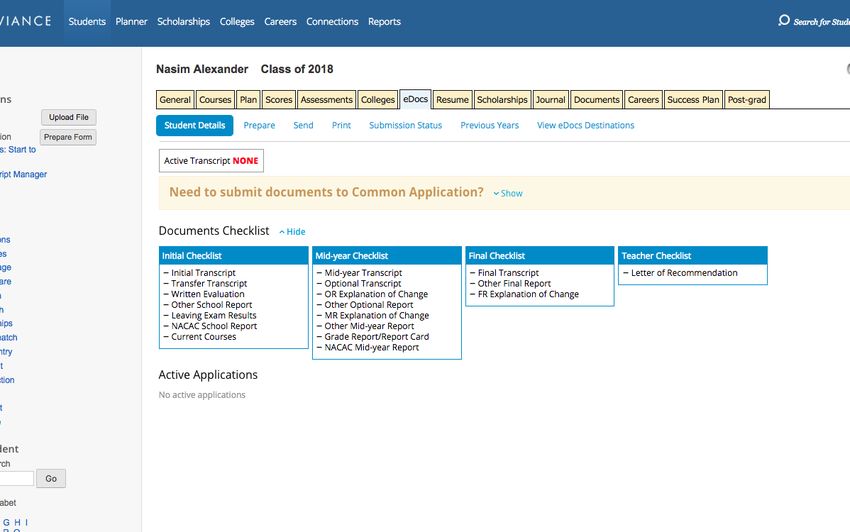
Naviance Overview

Logging in to Naviance

               Using your LAUSD email and password, students and staff can
                                        login at:

                             Division of Instruction Webpage:
                    https://achieve.lausd.net/instruction#spn-content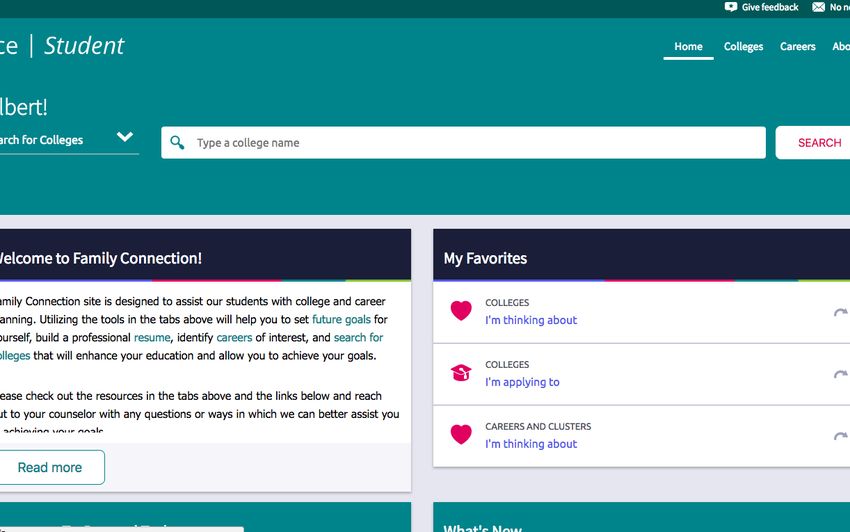
Naviance eDocs for
     Teachers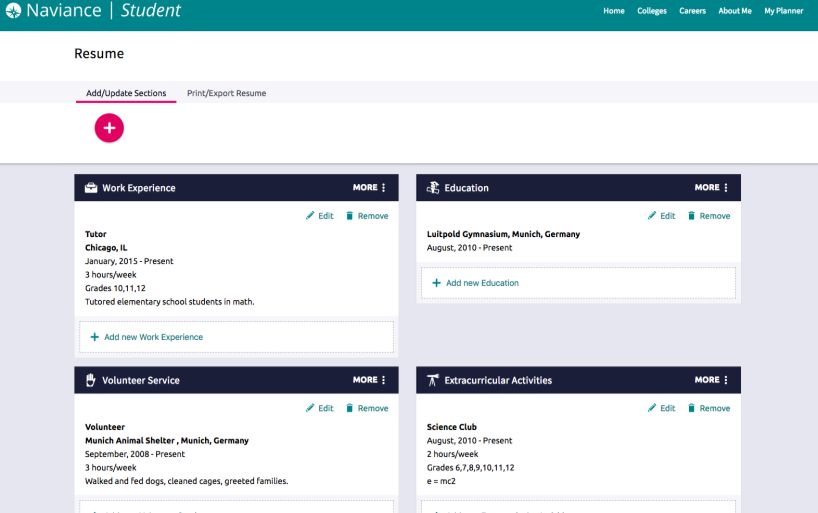
Naviance eDocs

 What is Naviance eDocs?
Naviance eDocs allows counselors and teachers to securely send student application related
forms, recommendations, transcripts, and school profiles electronically to more than 2,000
                               colleges and universities.

                                     Teacher prepares and
                                        uploads letter of
        Student requests
                                       recommendation               Staff members send
      counselor documents
                                                                       documents to
          and letters of
                                    Counselor prepares and                colleges
        recommendation
                                     uploads documents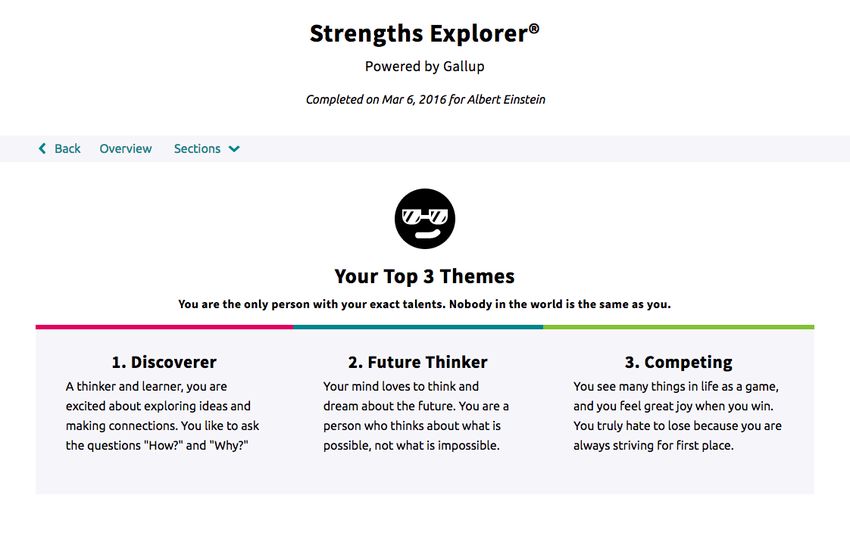
Naviance eDocs

Student Experience Step-by-Step

                                  What we’ll see and do:
                                  - Requesting Letters of
                                    Recommendation

                                  - Viewing LOR Status
Naviance eDocs
Teacher Experience Step-by-Step
What we’ll see and do:
- Viewing requests
- Preparing Letters of
Recommendation
- Sending Letters of
RecommendationNaviance eDocs Common Application Letters of Recommendation What do you need to know? • All of your letters of recommendation will be completed on Naviance-–you should not send ANY documents from the Common App website • Students MUST match their Common App Account with their Naviance Account—you will not be able to send documents until this is completed • To send Common App LORs, you must upload the Letter of Recommendation AND complete the Common App Teacher Evaluation Form
Naviance Tools for the
     Classroom
Naviance Tools for the Classroom
ResumeBuilderNaviance Tools for the Classroom
Let’s Brainstorm!
ResumeBuilder In-Class Ideas
• Basics of a resume lesson
• ELA resume writing lesson
• Grammar and revision practice: peer
review your classmates’ resumes
• Service learning project: tracking
volunteer hoursNaviance Tools for the Classroom
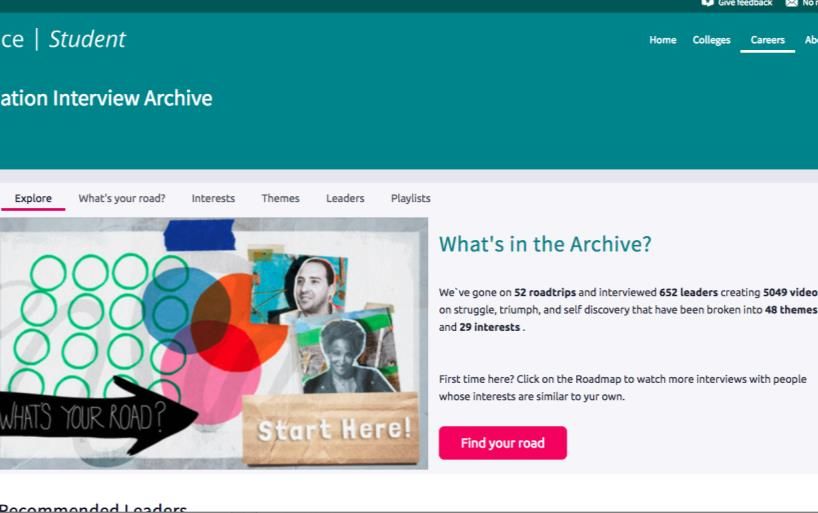
RoadTripNationNaviance Tools for the Classroom
Let’s Brainstorm!
RoadTrip Nation In-Class Ideas
• Interviews by Interest: Politics, Law,
Science, Numbers, Government, and
more!
• Careers Lesson: Have students conduct
their own interviews for leaders in a
field of interest or subject area
• Interview + Reflection as Bell Ringer or
Exit Slip
• Use a question as a prompt for a writing
assignmentNaviance Tools for the Classroom StrengthsExplorerResults
Naviance Tools for the Classroom

Let’s Brainstorm!
                                         StrengthsExplorer In-Class Ideas

                                   • Math Lesson: Graph your class/school
                                     results and look for trends
                                   • ELA/Social Studies Lesson: Predict the
                                     strengths of literary characters or
                                     historical figures and explain why
                                   • Use the results as a writing prompt or
                                     journal entry
                                   • Foreign Language: Have students
                                     translate their results
Naviance Tools for the Classroom
Career ProfilesNaviance Tools for the Classroom
Let’s Brainstorm!
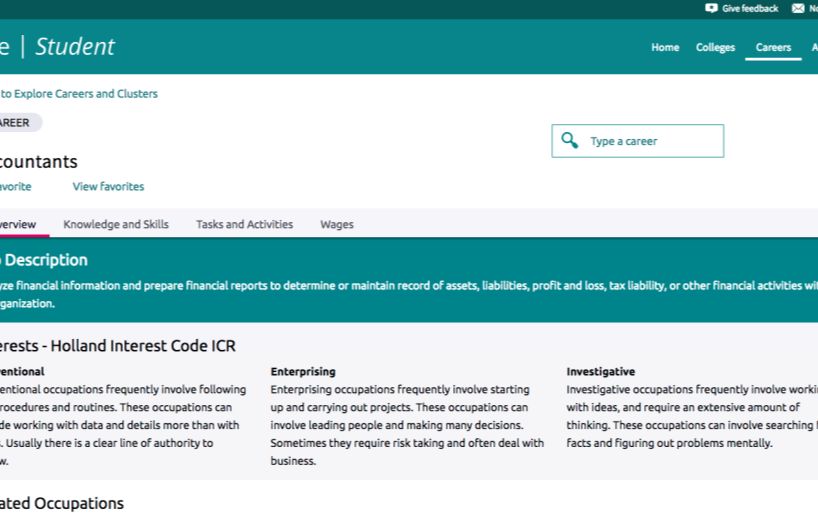
Career Profiles In-Class Ideas
• Calculate take home-pay from wages of
your favorite career using local and
federal tax information
• Create a budget from the wages of your
favorite career
• Learn more about the history of Holland
Codes or the US Department of Labor
and Statistics
• Research different careers as related to
the subject areaNaviance Tools for the Classroom
Scope and Sequence Review
Grade 9 Grade 10 Grade 11 Grade 12
• Create an Academic and • Complete • Build a resume • Complete a SuperMatch™
Personal Goal StrengthsExplorer • Complete Do What You Are College Search
• Complete a College Search • Create and academic & Assessment • Add at least two colleges
Fall
personal goal • Create a Post-Secondary to your Application List
• Begin Building a Resume Goal
• Complete Career Cluster • SuperMatch™ College • Complete a SuperMatch™ • Complete the Senior Exit
Finder Search College Search Survey
Spring
• Explore the Roadtrip • Add a college to your • Add a college to your
Nation Interview Archive Prospective List Prospective List
• Complete the Careers and
Education ReflectionNaviance Tools for the Classroom
Let’s Collaborate!
How can you help support the complete of scope and sequence tasks at your school?
THINK PAIR SHARE
Take 3-5 minutes to Turn to the person next Select your top 2-3
reflect and jot down to you and discuss your ideas/practices to
notes best practices share with the groupResources
The LAUSD & Naviance Partnership

Resources
   1    Carol Alexander                          4   Teacher Tools Implementation Planning
        Director, A-G Intervention and Support       Document
        Nancy Chavez
        College Counseling Coordinator,
        A-G Intervention and Support
                                                     The Naviance Support Team
  2
        Local District College Counseling        5   support@naviance.com
        Coordinators                                 1-866-337-0080, option 2

   3    https://achieve.lausd.net/Page/308
You can also read


