A Student Placement model for Speech and Language Therapy Students in The Rotherham NHS Foundation Trust
←
→
Page content transcription
If your browser does not render page correctly, please read the page content below
A Student Placement model for Speech and
   Language Therapy Students in The Rotherham
              NHS Foundation Trust

    A model for remote placement delivery to supplement face-to-face
                        clinical placement activity

The flowchart below outlines the Trust, departmental and student requirements to
ensure successful remote access for students to Practice Educators (PE), peers and
patients. Remote activities are outlined including direct remote patient contact and
indirect remote clinical learning activities. Hyperlinks to documents are included
within the chart and in the document below. Current Royal College of Speech and
Language Therapists (RCSLT) Guidance states that a minimum of 25% of practice-
based learning should be direct client-centred care. The aim is to create a model that
can be adapted to a variety of clinical placement settings and professions with
reference to our experience.

                                                                                               1
Rachel Radford Jan 2021 v.1.1
Collated by TRFT Adult Speech and Language Therapy, Stroke and Neuro-rehabilitation Services
2020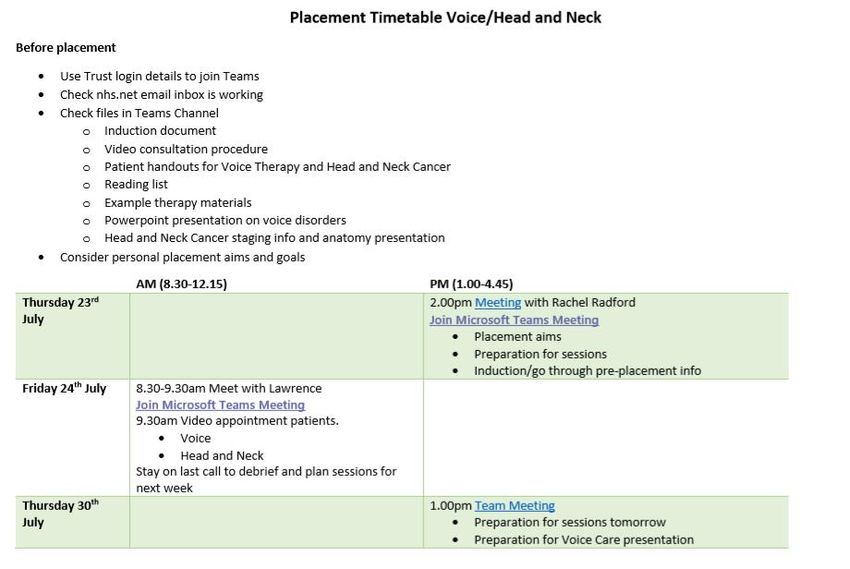
Trust Requirements
Information for Students
Student Requirements - Student access to virtual/physical smartcard
Induction video to introduce staff and
- Access to device with - Portal access to electronic patient record
Supporting documents for Practice departments
microphone and camera (Internet SystmOne)
Educators (PE) Induction booklet suitable for remote student
- Confidential space - Add student to Office 365 Trust
Student placement RCSLT Guidance placements
- WiFi connection organisation so that they have access to all
Practice education Guidance RCSLT Telehealth Guidance
- Anitvirus software Microsoft Teams functions (Trust New user
Local SOPs for video platforms Student Telehealth placement Guidance
- Windows operating system network account request)
AHP Virtual Consultation Guidance
- Set up with nhs.net account or use
Local video consultation SOP
encrypted NHSmail to university account
NHSmail guidance
- Microsoft Teams DPIA (Data Privacy
Links for remote meetings embedded into
Impact Assessment)
timetable
- Internet SystmOne set up
In-Person
clinical
direct/indirect Practice-based Placement
learning
Direct clinically-related learning Remote Remote
Indirect clinically-related learning
Direct service user contact via onsite clinical Direct Indirect Non-patient contact activities
work or telehealth delivery of therapy services learning learning
Joint and
Independent Virtual Attendance
independent Remote Clinical
phone presence in Service Remote at
Video Project work attendance at Activity
consultations clinical evaluation/audit presentation MDT/team
consultations workshops/webinars Session with
from setting meetings
via PE
home/NHS
telehealth
base
remote presence via Case study, journal Clinical online session with
Case history taking, E.g. Collating
exercise device in outpatient article summary, self-study peer activity e.g. case
service feedback
demonstration, clinics, patient homes description of Role play, simulated discussion with/without video, review
on remote of assessments or intervention, or
therapy intervention, and acute ward appointments assessment, clinical learning
group therapy case-based specific topic learning
sessions via ipad topic presentation. activity e.g. Mental Capacity
Assessment.
Intervention,
questionnaires,
- development of therapy materials
information
- Development and delivery of A model for Remote Student
gathering, advice
remote training Placements in Speech and Language
- Reviewing/updating patient
Therapy
information leaflets
Rachel Radford
& SLTs in the Adult, Stroke and
Neurorehabilitation Services November 2020
A Student Placement model for Speech and Language Therapy Students in
The Rotherham NHS Foundation Trust

         Outline of the Model for Remote Student Placements in Speech and
         Language Therapy

         Definitions -
            • Direct clinically – related learning is direct service user contact via
                onsite clinical work or telehealth delivery of therapy services
            • Indirect clinically-related learning is non-patient contact activities

         The top of the flowchart has four headings: Supporting documents for Practice
         Educators, Information for Students, Student Requirements and Trust
         Requirements.

         A) Supporting Documents for Practice Educators (PE) - Student
            Placement RCSLT Guidance, Practice Education Guidance, Local SOPs
            for video platforms. Links to Practice-Based Placement’.
         B) Information for Students – Induction video to introduce staff and
            departments, Induction booklet suitable for remote student placements,
            RCSLT Telehealth Guidance, Student Telehealth Placement Guidance,
            AHP Virtual Consultation Guidance, Local Video Consultation SOP,
            NHSmail Guidance, Links for remote meetings embedded into timetable.
            Links to Practice-Based Placement’.
         C) Student Requirements – Access to device with microphone and camera,
            Confidential space, WiFi connection, Antivirus software, Windows
            operating system. Links to Practice-Based Placement’.
         D) Trust Requirements – Student access to virtual/physical smartcard, Potal
            Access to electronic patient record Internet SystemOne, Add student to
            Office 365 Trust organisation so that they have access to all Microsoft
            teams functions (Trust New user network account request), Set up with
            nhs.net account or use encrypted NHSmail to university account, Microsoft
            Teams DPIA (Data Privacy Impact Assessment), Internet SystmOne set
            up. Links to Practice-Based Placement’.

Practice Based Assessment
   i)       In-Person clinical direct/indirect learning
   ii)      Remote Direct learning
            a. ‘Joint and independent video consultations via telehealth’ to ‘Case
               history taking, exercise demonstration, therapy intervention, group
               therapy’.
                                                                                               2
Rachel Radford Jan 2021 v.1.1
Collated by TRFT Adult Speech and Language Therapy, Stroke and Neuro-rehabilitation Services
2020
A Student Placement model for Speech and Language Therapy Students in
The Rotherham NHS Foundation Trust

           b. ‘Independent phone consultations from home/NHS base’ to
              ‘Intervention, questionnaires, information gathering, advice’
           c. ‘Virtual presence in clinical setting’ to ‘Remote presence via device
              in outpatient clinics, patient homes and acute ward sessions via ipad.’
   iii)    Remote Indirect learning
           a. ‘Project work’ to ‘Development of therapy materials, development and
              delivery of remote training and reviewing/updating patient information
              leaflets’.
           b. ‘Service Evaluation/audit’ to ‘e.g. collating service feedback on
              remote appointments’
           c. ‘Remote presentation’ to ‘Case study, journal article summary,
              description of assessment, clinical topic presentation.’
           d. ‘Remote attendance at workshops/webinars’
           e. ‘Clinical Activity Session with PE’ to ‘Role play, stimulated learning’
              and ‘Clinical online session with self-study peer activity e.g., case
              discussion with/without video, review of assessments or intervention, or
              care-based specific topic learning activity e.g. Mental Capacity
              Assessment.’

                                             3
Rachel Radford Jan 2021 v.1.1
Collated by TRFT Adult Speech and Language Therapy, Stroke and Neuro-rehabilitation Services
2020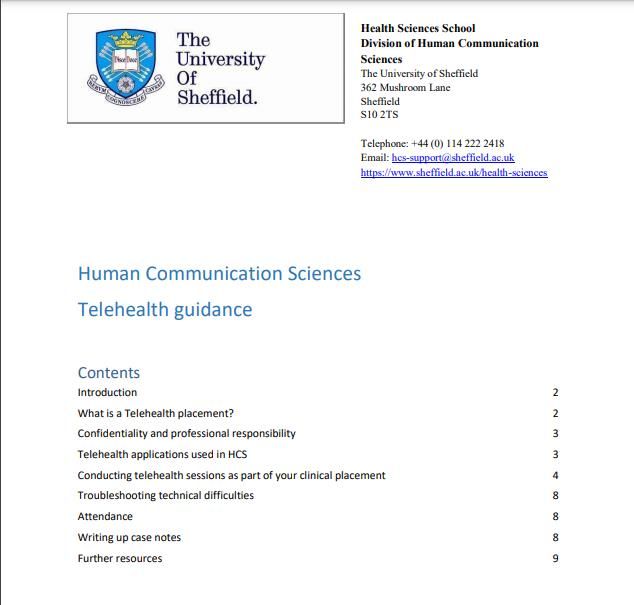
A Student Placement model for Speech and Language Therapy Students in
The Rotherham NHS Foundation Trust

   1. Background information relevant to remote placements

   a) Profession-specific placement guidance such as the Royal College of Speech
      and Language Therapists Telehealth Placement Guidance

Health and Care Professions (H&CP) Practice Education Guidance

   b) Local Standard Operating Procedures for Trust video platforms (e.g. Microsoft
      Teams, Attend Anywhere, AccuRx)
                                             4
Rachel Radford Jan 2021 v.1.1
Collated by TRFT Adult Speech and Language Therapy, Stroke and Neuro-rehabilitation Services
2020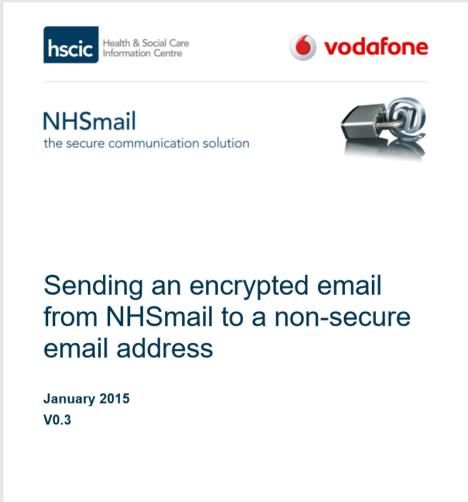
A Student Placement model for Speech and Language Therapy Students in
The Rotherham NHS Foundation Trust

   2. Student requirements
   a) In order to access internet SystmOne for access to patient records,
      Information Governance have recommended that Students can use their own
      devices as long as they have:
             o A windows operating system
             o Antivirus software
             o Secure Wi-Fi connection
   They also need:
               •   A confidential space
               •   Access to a device with microphone and camera (Microsoft Teams
                   can be accessed from smartphone, laptop of tablet)
               •   University ID/usual uniform

   2. Trust requirements
   a) Trust network account
      In order to make sure that information can be transferred securely between
      student and placement provider, and that Students can access everything that
      they would access on site, they are set up with a Trust login for Windows.
      This enables access to Microsoft Teams, Office 365 and shared drives.

                                             5
Rachel Radford Jan 2021 v.1.1
Collated by TRFT Adult Speech and Language Therapy, Stroke and Neuro-rehabilitation Services
2020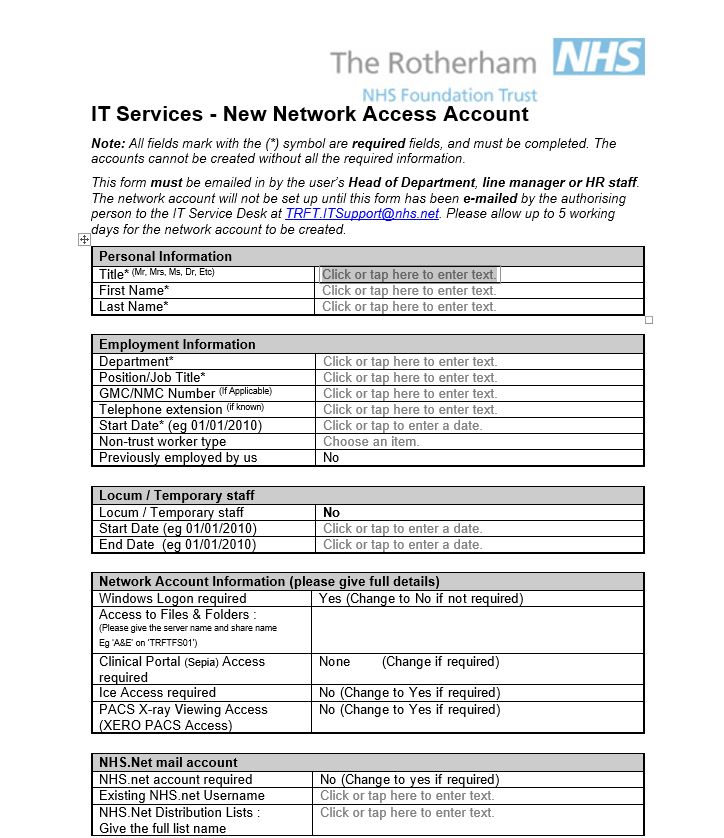
A Student Placement model for Speech and Language Therapy Students in
The Rotherham NHS Foundation Trust

   b) Each student can be set up with an nhs.net account that they can then use for
      future placements.

   c) Internet SystmOne Guidance Student access to Internet SystmOne with
      virtual/physical smartcard to access electronic patient record.

                                             6
Rachel Radford Jan 2021 v.1.1
Collated by TRFT Adult Speech and Language Therapy, Stroke and Neuro-rehabilitation Services
2020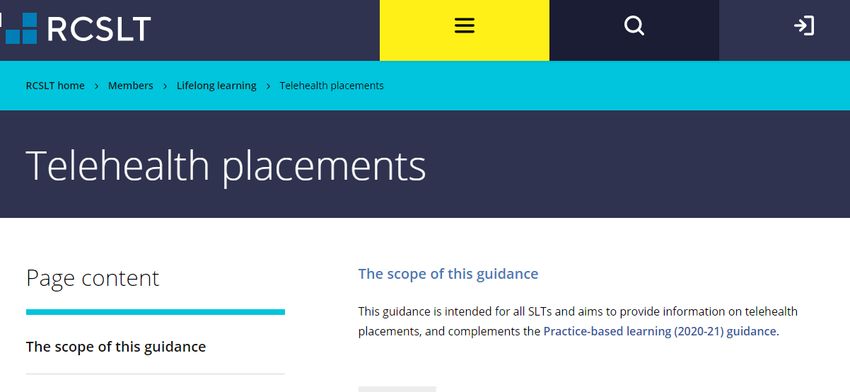
A Student Placement model for Speech and Language Therapy Students in
The Rotherham NHS Foundation Trust

   3. Introductory Student information
   a) Induction video to introduce staff and orientate within the Trust (put onto
      Teams channel for students to access before their placement)
   b) Induction booklet including Student telehealth advice (see below)
   c) RCSLT Guidance on Telehealth

   d) Student Telehealth Guidance (University of Sheffield Human Communication
       Science Department)
                                             7
Rachel Radford Jan 2021 v.1.1
Collated by TRFT Adult Speech and Language Therapy, Stroke and Neuro-rehabilitation Services
2020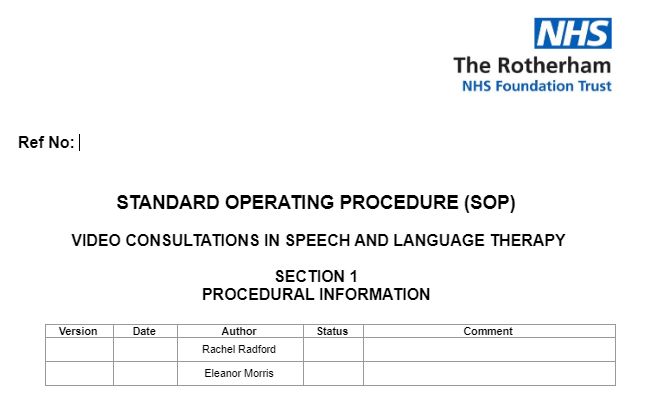
A Student Placement model for Speech and Language Therapy Students in
The Rotherham NHS Foundation Trust

   e) AHP virtual Consultation Guidance

   f) Department-specific Standard Operating Procedure (SOP) for arranging and
                                             8
Rachel Radford Jan 2021 v.1.1
Collated by TRFT Adult Speech and Language Therapy, Stroke and Neuro-rehabilitation Services
2020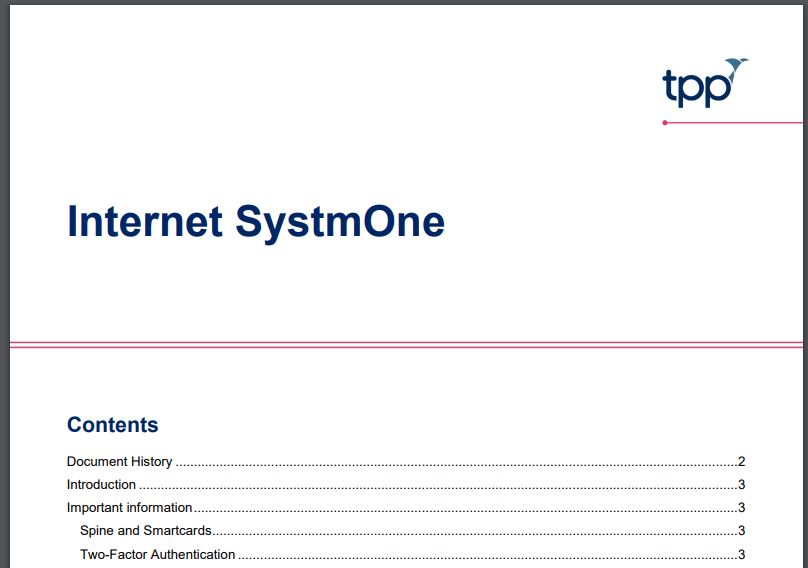
A Student Placement model for Speech and Language Therapy Students in
The Rotherham NHS Foundation Trust

       conducting video appointments.

   g) Information on sending and receiving NHS mail encrypted email.

                                             9
Rachel Radford Jan 2021 v.1.1
Collated by TRFT Adult Speech and Language Therapy, Stroke and Neuro-rehabilitation Services
2020
A Student Placement model for Speech and Language Therapy Students in
The Rotherham NHS Foundation Trust
h) Timetable including embedded meeting links
Example timetable
Use of Microsoft Teams
10
Rachel Radford Jan 2021 v.1.1
Collated by TRFT Adult Speech and Language Therapy, Stroke and Neuro-rehabilitation Services
2020A Student Placement model for Speech and Language Therapy Students in
The Rotherham NHS Foundation Trust
• Student placement Team created within Microsoft Teams with all students
and practice educators as members for file sharing and information required
for all students on placement
• Private channel for each student with their own practice educator(s)
• Potential to create group chat for student peer support
• Use of file sharing for pre-placement reading and information, resources
required during placement and student presentations
• Sharing links for webinars, outcome forms and key patient information for
upcoming therapy sessions
• Video calling for supervision sessions and clinical activity sessions is done via
Teams
• Chat channels are used for one-to-one queries/questions as an alternative to
email and used to start video calls with students
• Screen sharing of electronic patient record and remote participant control for
student to input notes with supervision (internet SystmOne will mean this isn’t
necessary but screen sharing can be useful for immediate feedback before
the record is saved).
New ways of working
Remote placements have enabled us to explore new ways of creating learning
experiences that we will take forward. This has included Clinical Activity Sessions
facilitated by one Practice Educator for multiple students over a half day. This frees
up clinician time as students are in groups and clinical teaching can be recorded for
future use. This complements the direct patient work because the topic areas are
embedded in our practice.
• 1 hour taught session by clinician around a topic e.g.
o Specialist clinical area
o Mental Capacity Act
o Clinical record keeping
o Mouthcare
• Self-study peer activity
11
Rachel Radford Jan 2021 v.1.1
Collated by TRFT Adult Speech and Language Therapy, Stroke and Neuro-rehabilitation Services
2020A Student Placement model for Speech and Language Therapy Students in
The Rotherham NHS Foundation Trust
Remote Student Placements 2020
Example activities and feedback
Direct Practice-based learning
e.g. Direct service user contact via onsite clinical work or telehealth delivery of therapy services
Activity Type Examples Learning
Video consultations via Case history taking, exercise Familiarisation with evidence
teletherapy demonstration base surrounding practice,
practice of key clinical
skills, opportunity to receive
feedback on practice.
Independent phone reviews Mid-radiotherapy checklists Familiarisation with
from home and advice, information swallowing advice given to
gathering patients, opportunity to
engage with patients
independently, familiarisation
with SLT processes.
Virtual presence in clinical Remote presence in joint Opportunity to observe MDT
setting head and neck cancer clinics, working, opportunity to hear
virtual ward session about patient experience
regarding cancer recovery,
familiarisation with cancer
recovery process.
Day in the life of an SLT Student present via iPad on Practice writing medical notes
Teams for the day. in risk free environment with
Introduction to physical time for PE feedback.
clinical area and the trust. Clinical note writing skills.
Therapy huddle. Observational skills.
Ward session (3 ward patients
observed via iPad, history
given before session)
Debrief of clinical session
Time for student to practice
writing clinical notes.
MDT meeting
PE feedback on notes.
12
Rachel Radford Jan 2021 v.1.1
Collated by TRFT Adult Speech and Language Therapy, Stroke and Neuro-rehabilitation Services
2020A Student Placement model for Speech and Language Therapy Students in
The Rotherham NHS Foundation Trust
Indirect Practice-based learning
e.g. simulated learning, case study with/without video, clinical and professional
scenarios, role play, expert service users, project work, attending CPD activities
(webinars, workshops..)
Activity Type Examples Learning
Project work Development of a voice Familiarisation with voice
care workshop delivered in care advice for patients,
a video team meeting. presentation skills,
development of material to
deliver more widely across
the service.
Development of Experience using thickener
presentation and testing Viscgo sticks for
using Viscgo sticks (new the benefit of the SLT team,
product for testing fluid presentation skills.
thickness)
Outcomes form Assessment and outcomes Familiarisation with
development turned into Microsoft forms assessments
that can be sent as links to
patients.
Case Study presentation Case studies across neuro, Peer learning.
and discussion via Teams stroke and mental capacity Access to specialist
with peer therapist by multiple
discussion with specialist students.
therapist followed by Exposure to different
independent peer learning clinical areas.
activity. Sessions by
therapist recorded for future
use.
Attendance at workshops Attendance at zoom dietetic Appreciation of MDT
student workshop delivered working using remote
by SLT access to other professions
Webinars Watching RCSLT Overview of telehealth
Telehealth Webinar delivery of therapy to apply
to clinical practice on
placement
13
Rachel Radford Jan 2021 v.1.1
Collated by TRFT Adult Speech and Language Therapy, Stroke and Neuro-rehabilitation Services
2020A Student Placement model for Speech and Language Therapy Students in
The Rotherham NHS Foundation Trust
Student experiences and feedback
• “Teletherapy appointments allowed for students to practice key clinical
skills and gain insight into patient experience without being in the same
room.”
• “Opportunity to understand MDT working remotely was valuable (i.e. with
clinical nursing)”
• “Being on an iPad during a face-to-face consultation was appropriate and
insightful, with the patients appearing happy to engage.”
• “Conducting mid-radiotherapy phone reviews was a really
valuable experience that helped develop interpersonal skills and working
with clients independently. This was an appropriate activity to do and I
would recommend including this in the future.”
• “It was especially beneficial to be given the opportunity to carry out
therapy independently – e.g. voice exercises, assessments as
this really helps to build on confidence.”
• “Working through case studies was really helpful – e.g. Mental Capacity
case study. It allowed detailed discussion and application of learning from
readings.”
• “Being able to experience the flow of the day in the day in the life of an
SLT was great; it’s something you don’t get just sitting in on individual
video calls, and it was important to see transitions between patients, how
SLTs interact with other professionals, get a true feel of the ward; hearing
all the sounds etc.”
• “It was really beneficial being able to see the structure of an SLT day
remotely; I sat in on the morning huddle and saw 3 patients in the ward,
and then sat in on an MDT meeting before discussing patients and writing
up notes with SLT”.
• “It was beneficial seeing assessments first-hand; it’s hard to truly get to
grips with an assessment without seeing it first-hand”.
• “Overall I really enjoyed my ‘day in the life’, I felt like I learned a lot from it
and would happily do it again! It was definitely the most challenging, but
most enjoyable part of the placement so far- one I won’t forget!”
Negative comments
• “Sometimes I felt a bit awkward being on the iPad, particularly when a patient
became distressed or didn’t seem to understand what the iPad
was for, however I think this feeling is similar when you are a student,
sometimes you feel a bit awkward sitting in!”
• “It was a shame that I wasn’t able to be more involved, i.e. actually talking to
patients. I think this was due to the ability of the patients who were being
seen and also just the difficulty of talking over video call in a busy ward; I still
found observing really useful.”
14
Rachel Radford Jan 2021 v.1.1
Collated by TRFT Adult Speech and Language Therapy, Stroke and Neuro-rehabilitation Services
2020A Student Placement model for Speech and Language Therapy Students in
The Rotherham NHS Foundation Trust
• “MDT meetings on zoom are preferable as interacting virtually with a
predominantly face-to-face meeting is difficult and tiring, although it
is beneficial to see the setup of a face-to-face meeting.”
• “Having a few students on the same call would be beneficial so we could use
‘in between’ time to discuss patients.”
• “MDT meeting was useful to be able to see the flow of the day and see how
all the different professionals interacted, however, I couldn’t hear much and I
wasn’t aware of the patients so it was a bit difficult to concentrate.”
• “The video calls did get tiring! Although it was really beneficial (and I would
probably be a bit tired after a full day’s placement anyway; I think having
multiple days of video shadowing one after the other would be too much, but
one day was okay).”
Therapist experience and feedback
Positive comments
• “No concerns from patients on wards.”
• “Presence via iPad placed to one side was possibly less disruptive to the
patient than if they were physically in the room.”
• “Patients in an outpatient setting were very happy to interact with the student
on the iPad, she could hear everything that was going on.”
• “It worked really well to observe a student doing a video consultation with
myself, student and patient on one call.”
• “Microsoft Teams channels work really well for file sharing and supervision.
Video calls were easy to do for feedback and introducing the day.”
• “Clinical activity sessions have been a really good use of therapist time as one
PE can have multiple students.”
• “Great student presentations in our Microsoft Teams department meeting. We
all learnt lots!”
Negative comments
• “Limited opportunity for students to get any practical experience conducting
assessments or therapy on an acute ward.”
• “Limit to interaction between student and patient in acute setting with patients
with language difficulties.”
• “Sound and picture can be compromised depending on Wi-Fi connection.”
• “Difficulty getting iPad into optimum position so that student could see SLT
and patient and it was close enough to hear what was happening.”
• “Video calls can be tiring and the student and therapist need breaks. Students
can consolidate their learning in this time and consider any questions they
want to raise later.”
15
Rachel Radford Jan 2021 v.1.1
Collated by TRFT Adult Speech and Language Therapy, Stroke and Neuro-rehabilitation Services
2020A Student Placement model for Speech and Language Therapy Students in
The Rotherham NHS Foundation Trust
Barriers to overcome
• Difficulty with remote access to the electronic patient record
• Issues with tech support to get students onto Teams and logged into nhs.net
• Equipment needed for iPad positioning
Opportunities/solutions
• Nhs.net account for students so confidential information is secure and can be
used for future placements
• Shared online timetable via teams with relevant meeting links in advance
• Access to S1 via virtual smartcard
• Remote peer student attendance at in-person clinics and ward sessions for
peer discussion without numbers in the room overwhelming the patient but giving
access to more students.
• Multiple students in one session without heavy physical presence in clinic
room or on the wards. This also reduced any perceived burden on practice
educator time.
• Video consultation SOP sent to student before the session
• Students could develop online therapy materials and work independently
creating learning experience with reduced therapist time.
• Other technology could be used e.g. flexible stand for screens, head camera,
improved microphones.
• Recorded clinical activity presentations delivered by therapist for use in future
placements.
16
Rachel Radford Jan 2021 v.1.1
Collated by TRFT Adult Speech and Language Therapy, Stroke and Neuro-rehabilitation Services
2020You can also read


