My Son WhyI dyslexia&AT - Appology & Technology
←
→
Page content transcription
If your browser does not render page correctly, please read the page content below

Appology
                       &
                   Technology
                Alexis Juusola, M.Ed.
         Doctoral Candidate, Curriculum & Instruction

                       @AlexisJuusola

Why I    dyslexia & AT

My Son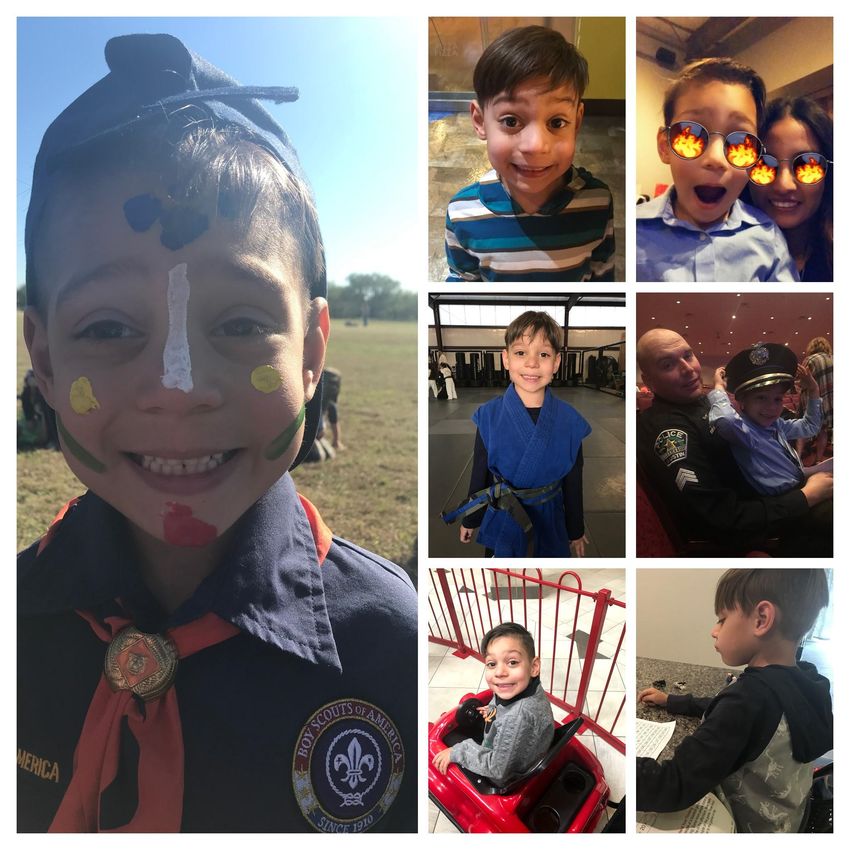
Today we will...
Explore the different types of apps for your computer,
tablet, and phone to make EVERY child (& adult) a reader &
writer.

Objective of Assistive Technology (A.T.) is to level the playing
field and avoid the consequences of “Go to Jail”; rather we
will find all the “Free Parking” opportunities to literacy that
is critical to the economic development of society and to each
individual with dyslexia.

Today’s Map
TTS Street
                                                               y
                                                            log

STT Avenue
                                                        po

Writing Place
                                                    Ap

OCR Railroad

AT Vocabulary
Text-to-Speech: technology reads aloud digital text—words on computers,
smartphones and tablets.

Speech-to-Text: Technology that effectively takes audio content and transcribes it
into written words.

Applications: Software that allows you to perform specific tasks - on computers,
smartphones and tablets.

Chrome Extensions: Programs that can be installed into Chrome to change the
browser's functionality.

Optical Character Recognition: Accessing content by taking an image with a mobile
device and convert documents into editable and searchable data.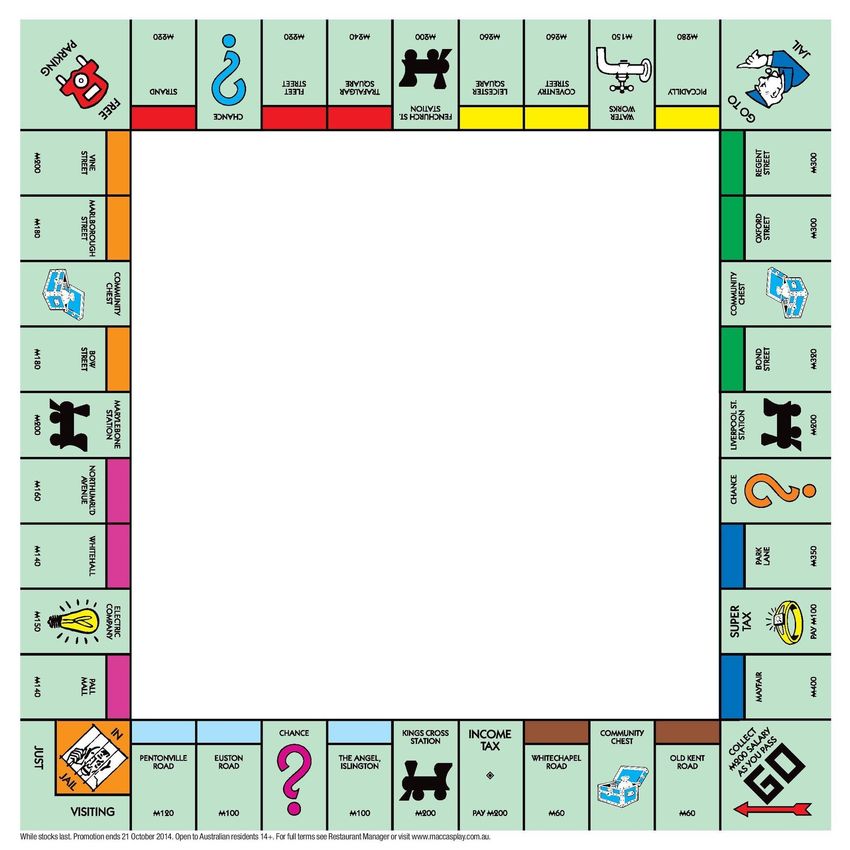
First Roll
    TTS Street

                                                                    y
                                                               log
                                                               po
                                                        Ap

    TTS Street
TTS lets kids both see and hear text when reading,creating a multisensory reading
experience. Benefits include:

●   Improves word recognition

●   Increases the ability to pay attention and remember information while reading

●   Allows kids to focus on comprehension instead of sounding out words

●   Increases kids’ staying power for reading assignments

●   Helps kids recognize and fix errors in their own writing

          TTS will not slow down the development of the child’s reading skills.

    Alexis’ Favorite TTS
    ● E-Books:                                   ● TTS Tools:
        ○ Epic!                                       ○ Google Read & Write
        ○ Unite for                                   ○ Speechify
          Literacy.com
                                                      ○ Natural Reader
        ○ Planet eBook
        ○ Learning Ally
Power of e-Books w/TTS

Power of Text-to-Speech

Next Roll
STT Avenue
                      gy
                  olo
                   p
                Ap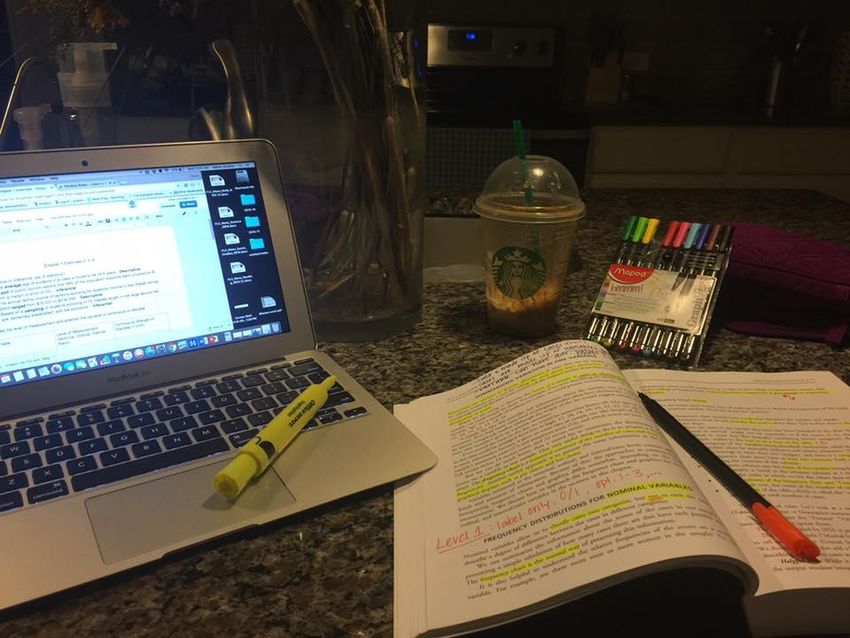
Speech-to-Text
Dictation (speech-to-text) allows kids to write by using their
voice. As they speak, their words appear on the screen.
● STT can be a big help to kids who struggle with different types of
  writing challenges.
● There are AT tools that can make the physical act of writing
  easier.
● AT can also help kids who have trouble with spelling and
  expressing their thoughts.

Alexis’ Favorites for STT
   ○ Voice Typing
   ○ Speechnotes.co
   ○ Easy Dyslexia Aid
   ○ Voice Dictation

Next Roll
Writing Place
                                                   g y
                                             p olo
                                          Ap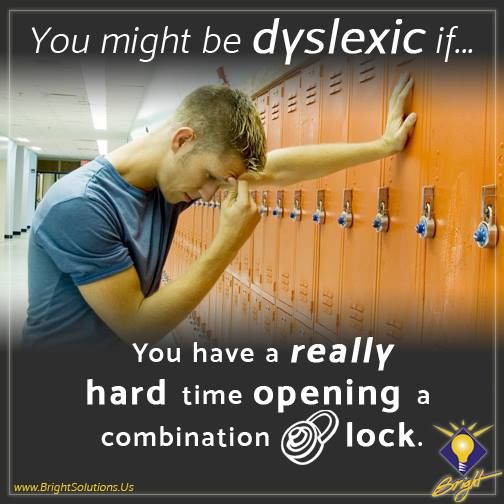
A.T. for Written Expression
● Assistive technology can be a big help to kids who struggle
  with different types of writing challenges.
● There are AT tools that can make the physical act of writing
  easier.
● AT can also help kids who have trouble with spelling,
  grammar, organizing and expressing their thoughts.

Alexis’ Favorites for Writing
Handwriting:                     Graphic Organizer:

 - Writing Wizard                 - Mindmup

Keyboarding Skills:              Writing Grammar:

 - Dance Mat Typing               - Grammarly

 - Typingclub.com                 - Ginger

Last Roll
OCR Railroad
                                                 y
                                                 g
                                         p   olo
                                      Ap
Alexis’ Favorites
Optical Character Recognition
 - TranslatePhoto

 - PrizmoGo

Where can I get them?
  -   Ask your friends/family for old devices

        -   Old phones

        -   DO NOT need wifi at home

  -   Grants:

        -   A+ Federal Credit Union - Education
            Foundation

                -   $1000 each year

  -   Donorschoose.org

  -   Fundraise

Thank you!
      Alexis Juusola, M.Ed.
Doctoral Candidate, Curriculum & Instruction

     @AlexisJuusola
Alexis.Juusola@gmail.com

You can also read


