Using Trello for Project Management Success - Nonprofit Communications & Technology Conference - March 7, 2019
←
→
Page content transcription
If your browser does not render page correctly, please read the page content below
Nonprofit Communications & Technology Conference – March 7, 2019
Using Trello for Project Management Success
About the Presenters

Andrea Cole                                    Abby Wellan
Graphic Designer, Visual Identity + Branding   Nonprofit Services & Communications Manager
AmplifyDMC                                     Charities Review Council
  @AmplifyDMC                                   @abbyw675 | @smartgivers
About Charities Review Council
Charities Review Council Program Services
Donor Services                                Donor-Nonprofit Relations
We help donors (and funders) make smart and   We bring donors & nonprofits together with
informed giving decisions                     events like - FORUM 2019
                                              • Save the Date – May 14th, 2019
Nonprofit Services
We partner with nonprofits to strengthen
internal policies, practices and procedures
using our:
• Newly updated, co-created Accountability
  Standards®,
• Online Accountability Wizard® nonprofit
  review, and
• The Diversity, Equity & Inclusion Toolkit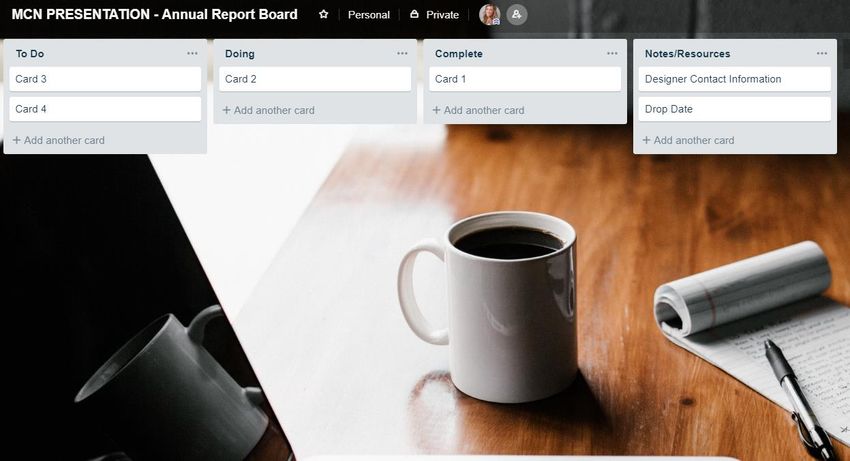
AmplifyDMC Services
Development                      Marketing                     Communications
• Annual capital campaign        • Brand refresh – strategy,   • Annual reports,
  strategy and                     design, and                   newsletters, brochures,
  implementation                   implementation                and collateral development
• Grant writing – foundations    • Awareness campaign          • Media outreach
  and government                   strategy                    • Media training
• Prospect identification and    • Graphic design              • Social media planning and
  cultivation – individual and                                   implementation
  institutional
                                                               • Website design and
• Interim solutions
                                                                 updates
• Department operations
  and process development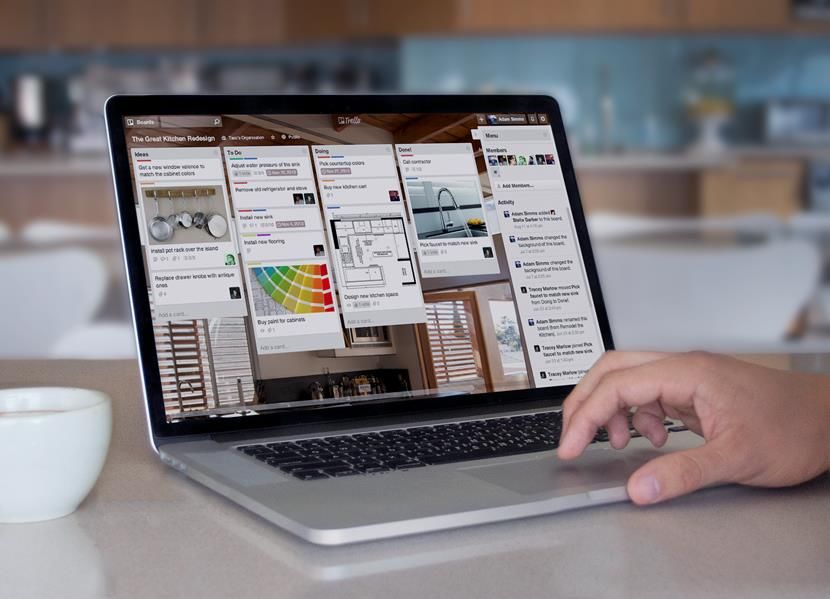
Enough about us…
Let’s talk about Trello!
Life Before Trello

• We were having WAY too many “project check-in” meetings
• Needed a way to keep everyone in the loop on project updates
• Didn’t have a way of tracking on project timelines as a team
• Had outdated written plans, and needed a way to make quick updates
• Worked with numerous consultants and needed a way to keep project
  plans organized

Who can relate?
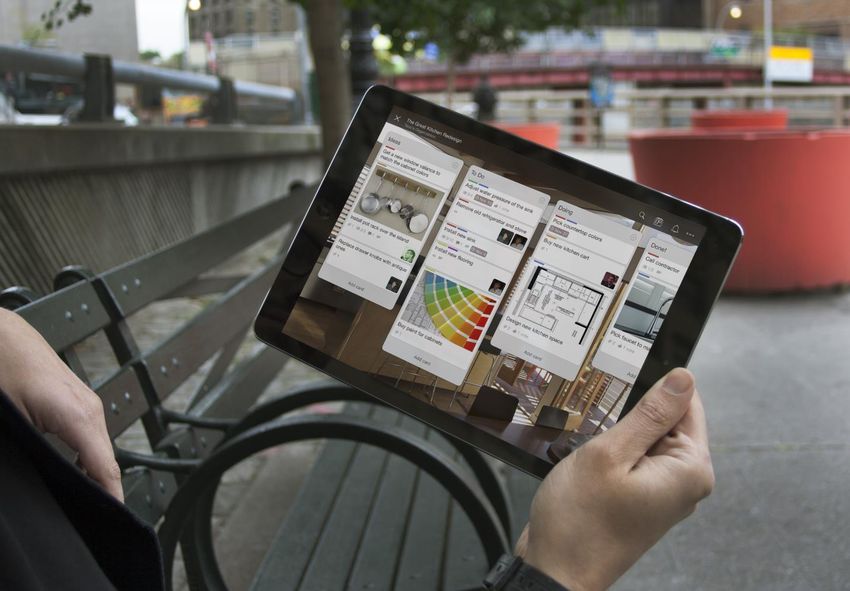
Introducing Trello

An easy, free,
flexible, and visual
way to manage
your projects and
organize anything.
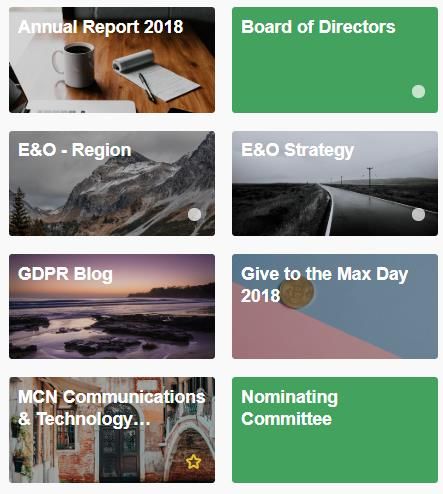
We Use Trello for Everything
Including:
• Strategic Planning/Annual Planning
• Staff Meeting Agendas
• Event Planning
• Personal Work
• Communications Calendars
• Presentation Prep
• Board & Committee Management
• And, so much more!
Trello – What is it?
• Universal
• Easy
• Personal
• Visual and Tactile
• Flexible
• Collaborative
• Fun!
Trello – What is it?

With Trello, individuals
and teams can work
together to deliver on
mission and goals.
Trello – What is it?

We loved Trello so
much that we wanted
to share this tool with
all of you!
Trello 101
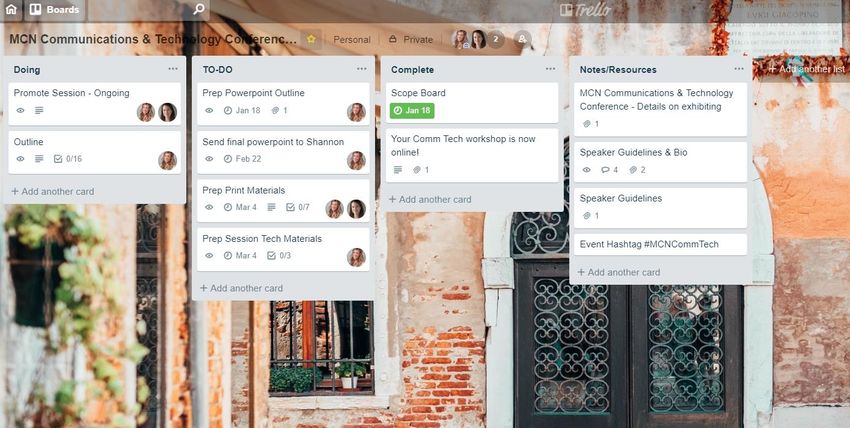
This is a Trello “Board”

On a Trello
Board, you can
create “Lists”

You can also
create “Cards”
or to-do’s
Trello Boards

• Create as many boards as you need
• You can edit the background image
• Personal work boards vs team project boards
• Team Boards - Everyone sees the same
  board, including any updates made.
Trello Lists
• Create as many lists as
  you need, but we always
  start with these 4

• You can easily move lists
  by dragging and dropping
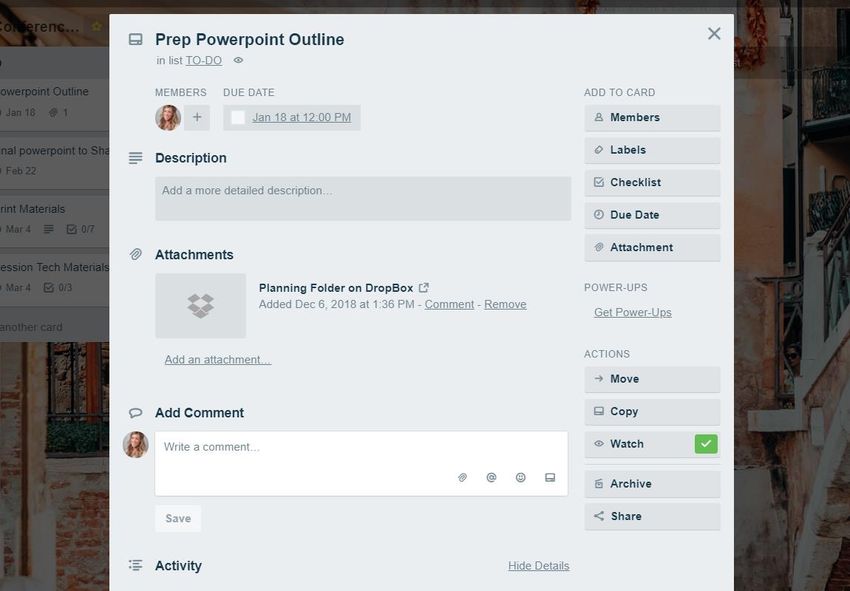
Trello Cards
A Trello card opens up to look like this,
and could include things like…

 • Who is responsible for
   this to-do & the due
   date

 • Helpful attachments

 • Comments log
Trello Cards
               Cards can also include…

                    Labels
                    Checklists
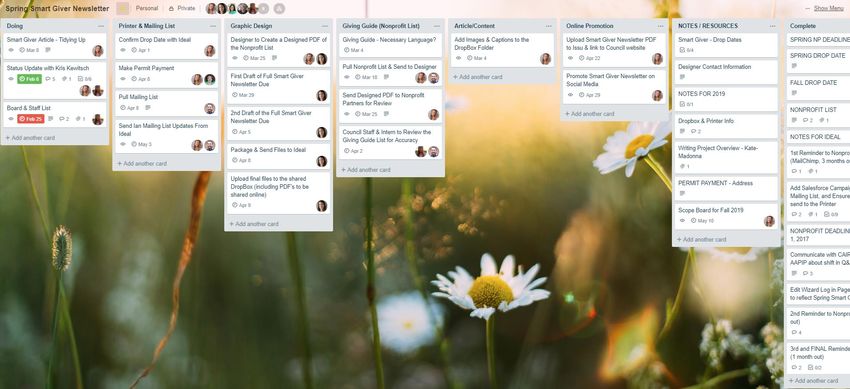
SAMPLE Project Board
Live Tutorial –
Let’s create an Annual Report
         Trello Board!
Accountability Standards®
• Co-created benchmarks of nonprofit
strength, focusing on 4 key areas:
• Governance
• Public Disclosure
• Fundraising
• Financial Activity
• The framework of our Accountability
Wizard® nonprofit review process
• Rolling review processThe philosophy or the WHY of the Standard
The Standard -
WHAT’S
REQUIRED
•   What does your organization include
                    in its annual report?
                •   How does your organization make its
Quick Partner       annual report available to the public?
    Chat        •   Does your organization’s annual report
                    meet Charities Review Council’s
                    Annual Report & Communication
                    Standard?
Annual Report Resources Charities Review Council has an annual report checklist available for you today (and online), which includes examples for each requirement.
Live Tutorial –
Let’s create an Annual Report
         Trello Board!
Questions?
Next Steps
• Give Trello a try! Click here to get started with your own Trello account.

• Learn more about Charities Review Council’s Accountability Standards® &
  the Accountability Wizard® nonprofit review process

• Sign up to receive Charities Review Council’s E-newsletter, which includes
  Council updates, smart giving tips, sector news and more!
• Follow Charities Review Council on social media
   •   Facebook
   •   Twitter
   •   LinkedIn
   •   Instagram
Next Steps
• Follow AmplifyDMC on social media
   • Facebook: facebook.com/amplifydmc
   • Twitter: twitter.com/amplifydmc
   • LinkedIn: linkedin.com/company/amplifydmc

• Visit our website at amplifydmc.com to sign up for our e-newsletter
THANK YOU!
You can also read


