Product & Technology Update - November 3, 2021 Bryan Lipps, Rob Sabbir, Dawn Terminella, Ann Turner - AIA
←
→
Page content transcription
If your browser does not render page correctly, please read the page content below
Product & Technology Update
November 3, 2021

Bryan Lipps, Rob Sabbir, Dawn Terminella, Ann Turner
TODAY’S UPDATES

• Fonteva                       • CES
• Membership Join & Reinstate   • Chapter Portal
• My Account                    • Product Tip
• Universal Log in              • Component Web Pages
• netFORUM
FONTEVA

Winter 21 upgrade

•    Overall improved system performance.
•    Credit memos & write-off management
•    Improved reporting.
•    Improved payment process: Enhanced ePayment APIs to better connect with other, non-
     Spreedly payment gateways.
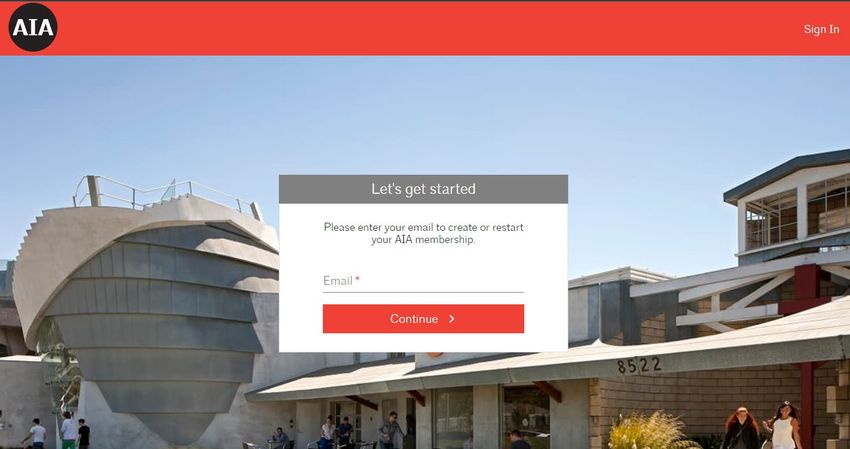
JOIN & RE-INSTATE APPLICATION
                                •   Moved to Fonteva in October.
                                •   Improvements:
                                    • Better user experience.
                                    • Dues are calculated automatically based on
                                      users input.
                                    • Join/Re-instate/Renew/Account Recovery are
                                      being managed in one single app. (Previously
                                      all these app were separate)
                                    • More secured application.
                                    • Improved performance.
                                    • Stats as of to date :
                                      •   Joins : 721
                                      •   Re-instate : 375
                                      •   Renews : 3,171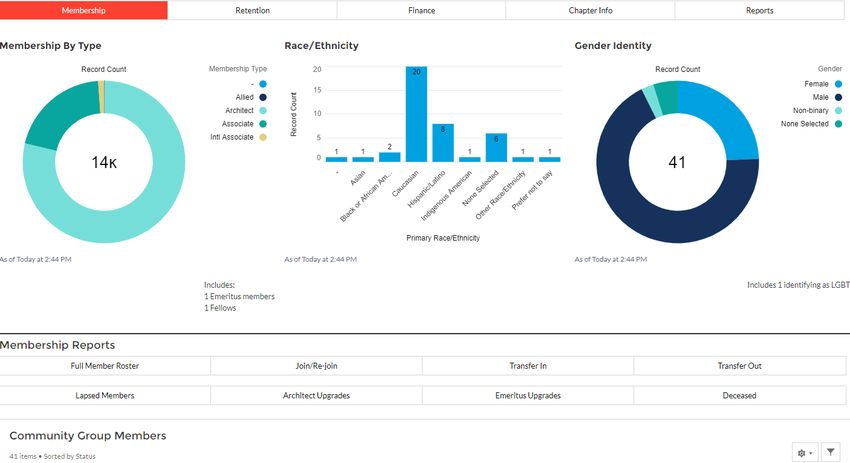
MY ACCOUNT

•       My Account will be moved to
        Fonteva by end of year.
•       My Profile was sunset.
•       Edit link requests user to contact
        memberservices@aia.org for
        updates.
•       Record updates should go to
        memberservices@aia.org.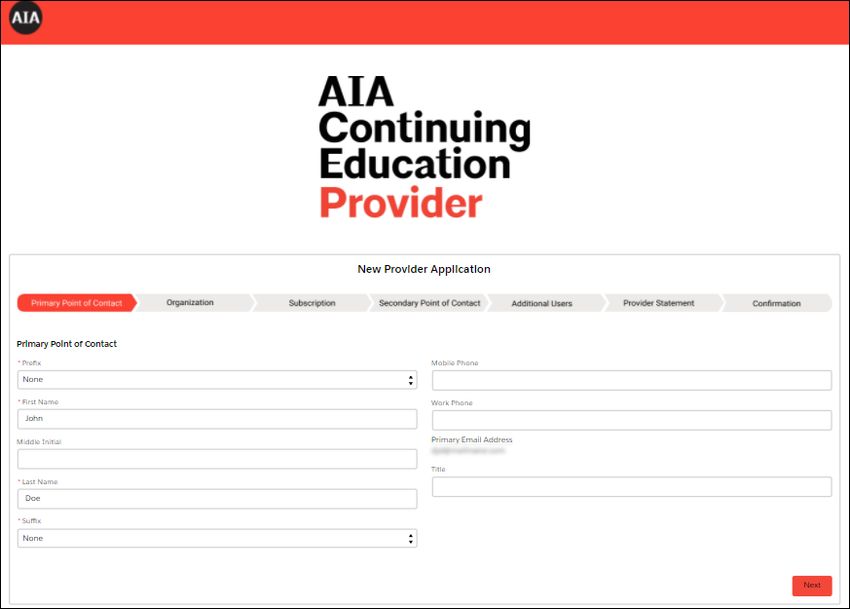
UNIVERSAL LOGIN (UL)

                       •   Navigate between our products while only
                           logging in once.
                       •   Migrated the following to UL:
                           •   Career Center
                           •   ArchiPac
                           •   KnowledgeNet
NETFORUM
• Sunset by end-of-year.
• Committees will move over
to Fonteva by end-of-year.
• Pull 2021 ACH reports
before 12/31/21.
• Password reset – reach out
to digitalsupport@aia.orgCES
• CES Online Provider Join
& Renew application was
launched last month.
• Replaces a paper process
with an easy-to-use online
process.
• No longer integrated with
netFORUM and resides in
Fonteva platform.CHAPTER PORTALS • Standardize reports to make them more flexible • Next: • Edit permissions
TIP TIME – DOWNLOAD INVOICES FOR YOUR MEMBERS

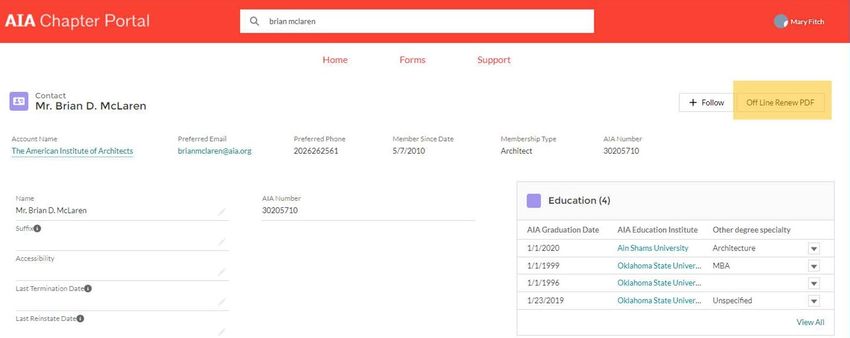
• Login to the Chapter Portal.
• Search for member through member list or
  in global search bar.
• Click on the member’s name to view.
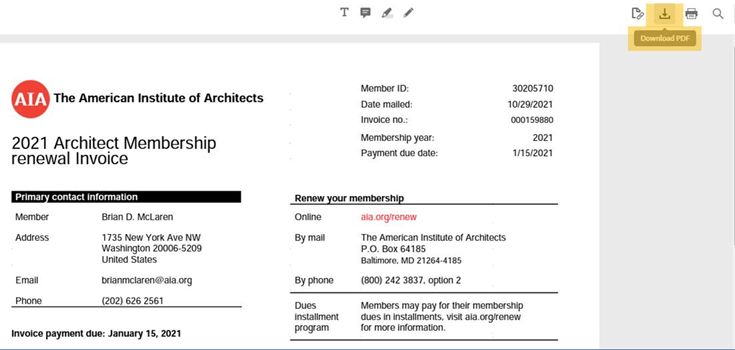
• Click on the “Off Line Renew PDF” button
  in the upper right-hand corner.
• A new tab will open displaying the invoice.
• Download as a .pdf file and send to the
  member.

• NOTE: if the sales order has been paid, the
  sales order will not be available to
  download. If you select the “Off Line
  Renew PDF” button for a member who has
  already paid for 2022 membership, the
  following message will appear:

“This member already renewed. Membership
expire date: 12/31/2022”
CHAPTER PORTAL TRAINING AND SUPPORT

•    Training – twice a month         •   Piloting component group training by state
                                      •   Fonteva wiki (www.aia.org/Fonteva)
COMPONENT WEB PAGE • Permission set-up moved over to Fonteva. • CWP 2.0. • Access and training: digitalsupport@aia.org
FINAL REMINDERS

 •     Fonteva wiki (www.aia.org/Fonteva)
 •     Communication survey reminder (www.aia.org/Fonteva).
 •     Reach out to digitalsupport@aia.org for
      •     Technical issues with Fonteva such as error messages or reporting problems.
      •     Request training and access to Fonteva.
 •     Reach out to memberservices@aia.org for
      •     Record updates or information.
      •     Issues with a member joining or reinstating.
Questions
Thank you!
You can also read


