ROCHELLE WESSELS STUDENT RETENTION UNIT (SRU) A FIRST-YEAR EXPERIENCE (FYE) INITIATIVE 14 AUGUST 2018 - Welcome to the Assignment Preparation Live ...
←
→
Page content transcription
If your browser does not render page correctly, please read the page content below

Welcome to the Assignment
Preparation Live Broadcast

                          ROCHELLE WESSELS
               STUDENT RETENTION UNIT (SRU)
               A FIRST-YEAR EXPERIENCE (FYE)
                                   INITIATIVE
                              14 AUGUST 2018

                                         1
STUDENT RETENTION UNIT
         (SRU)
    in collaboration with the
COLLEGE OF ECONOMIC AND
 MANAGEMENT SCIENCES
         (CEMS)
         As part of the
FIRST-YEAR EXPERIENCE (FYE)
                                2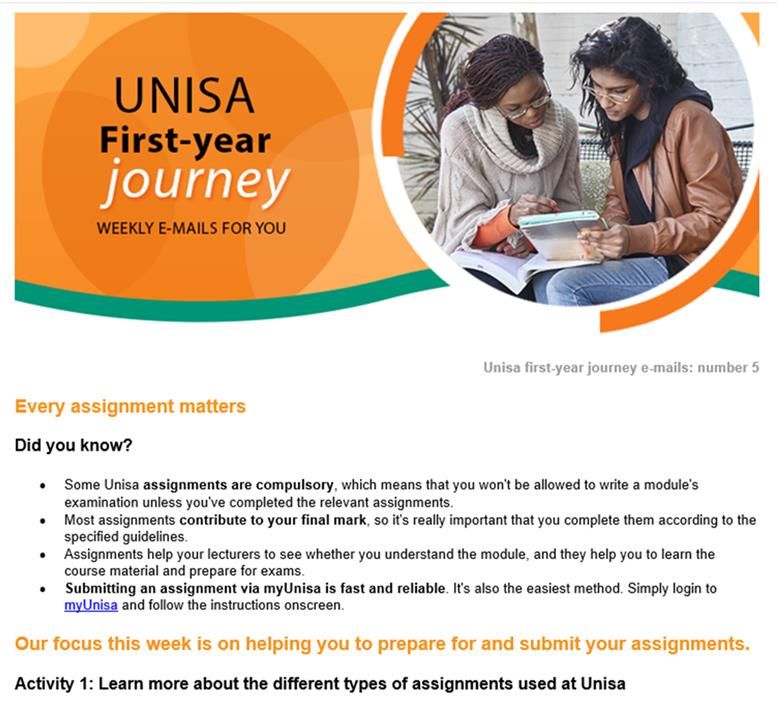
extended support for students entering ODeL
Providing
for the first time for the duration of their first year at Unisa
Integrating the broad range of support services to ensure timely and
relevant support for students during their first year of study
Supporting collaboration efforts between Unisa
departments and directorates to ensure effective service delivery
within the programme
3
We’d like to help you navigate your
     new study environment…
               and
 integrate the broad range of support
services, to ensure you receive timely
        and relevant support

                                         4
What are we currently doing ?

           Weekly emails
Just in time, relevant and important
              information

                                       5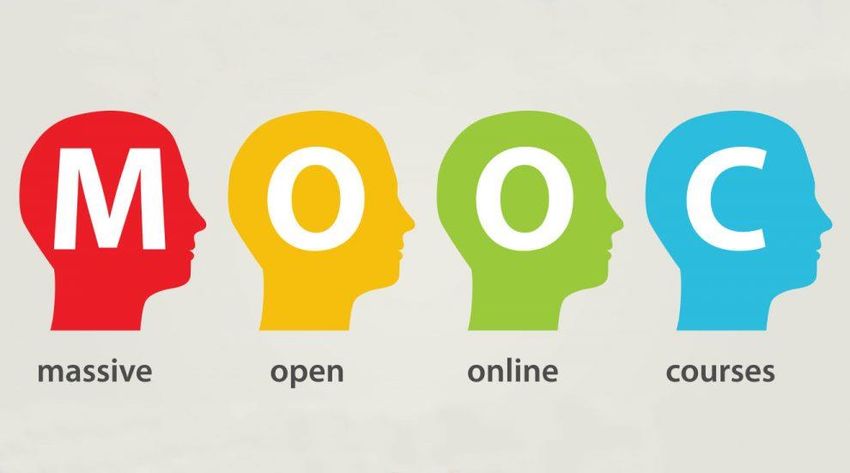
Weekly emails…

 These emails have been designed with the
first-year student in mind, aimed at providing
  pertinent information at key points through
               your student walk.

 Please check your myLife email
accounts on a regular basis to stay
 abreast of important information

                                                 6
Weekly emails

                7
Not getting the weekly emails...

      Have you claimed your myLife
             email account?

                                     8
Perhaps you don’t check your myLife
        account regularly …

Why not consider forwarding your
myLife emails to a personal or work
         email address?

                                      9
Newer
version
of MS
Outlook
Eight easy steps …
1. After logging in, click upon the
2. Scroll down to and click on
3. By default, a left-hand side panel will appear
4. Under that panel, under the click on
5. Click
6. Enter your (personal/work) email address
7. Click on Save
8. Click on OK
10Live Broadcasts Schedule…
Lunch hour: 12h00-13h00
Live Broadcast Student Development: Gender-based 28 August 2018
number 4 violence
Live Broadcast Exam preparation 04 October 2018
number 5
Live Broadcast After the exam results: Planning for next 27 November
number 6 year 2018
11My First Year 101
MOOC
12The FYE MOOC aims to assist first-time
entering students to successfully
transition into Unisa
ODeL readiness assessment (Piloting)
Computer/digital literacy (Piloting)
Numeracy (Piloting)
Career Management skills
Academic literacy
Learning Management System (LMS - myUnisa)
Library orientation
Student development
Study skills
ShadowMatch
13My First Year 101
How to access FYE MOOC?
mooc.unisa.ac.za
Create your own log in details: click the tab on the left: “New
Account”
Join your MOOC: First click on Membership
Click “Joinable sites”
Find the “My first year 101”
Complete the MOOC
Give us feedback by completing the student survey
14Having better familiarised
yourself with some of the student
support services,
let’s now turn our focus to
preparing and submitting
assignments
15Welcome our guest
presenter
Mr. Mike du Toit
College Coordinator:
Technology Enhanced Teaching
Office of Tuition and Student
Support
College of Economic and
Management Sciences (CEMS)
16Assignments
• Why do we need them?
- Teaching purpose
- Administrative purpose
• Why should you submit them?
- Learning
• When should you submit them?
17Where do I find the assignment questions?
• Online modules – instructions on site
• Your 101 tutorial letter
- Where do I find the 101 tutorial letter?
• The myUnisa module site – Official
Resources
18HELP! I have questions about my assignments
• Can the lecturer help me?
• Can I submit online?
• What happens if I post the assignment?
- Where can I post the assignment?
• When will my assignment be marked?
• How do I get the assignment results?
• What do I do if I failed?
- What about the exam admission?
19HELP! I have questions about my assignments
• What is the mark-reading sheet for?
• What do I use the barcode stickers for?
• Why must I include my address on the
assignment?
• What is the unique number?
• Do I have to use the stationery provided by
Unisa?
2021
22
What are your thoughts?

               Please complete the
                     ‘Survey’
  and tell us what you thought of this broadcast

                                                   23
For any further information on the mentioned
student support initiatives
Please send us an email on
fye@unisa.ac.za
24You can also read


