HOLOLENS 2 - TRAINING - MICROSOFT DYNAMICS 365 GUIDES - INCAS Training ...
←
→
Page content transcription
If your browser does not render page correctly, please read the page content below
MICROSOFT DYNAMICS 365 GUIDES
HOLOLENS 2 – TRAINING
                                1   INCAS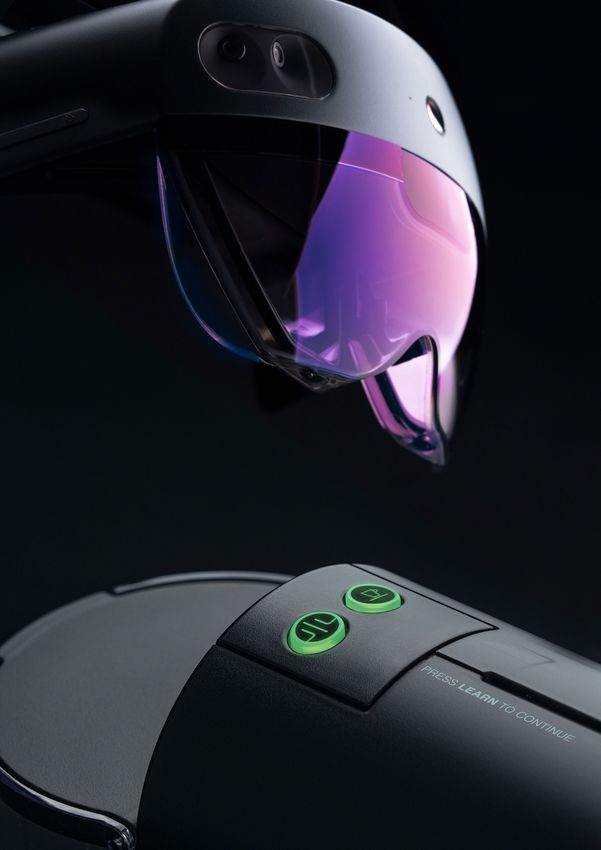
DYNAMICS 365
GUIDES TRAINING:
LEARN THE FUTURE
OF WORK WITH
MICROSOFT DYNAMICS
365 GUIDES
AND HOLOLENS 2.
INCAS   2

AGENDA
                      06

05
                           Technical requirements and equipment

                           We create the conditions for you to learn, try out and practice
                           under realistic conditions.

Introduction               | Prerequisite for participation
Schedule                   | Provision of a HoloLens 2
Prices                     | Hardware and software installation
                           | Capsule coffee machine as test object

                           08
                           Training content

                           | Presentation of Microsoft Dynamics 365 Mixed Reality
                           | Presentation of Dynamics 365 Remote Assist
                           | Creation of the first guide as an author
                           | Performance data analysis

                           13                                 14
                           Achieved goals                     Contact person
                           after the training

12
Why INCAS Training?                                           15
                                                              Credentials

                                                                                       3     INCAS
MICROSOFT DYNAMICS 365
GUIDES WITH HOLOLENS 2
 Learn about the future of work with Microsoft Dynamics
 365 Guides and HoloLens 2.

INCAS   4
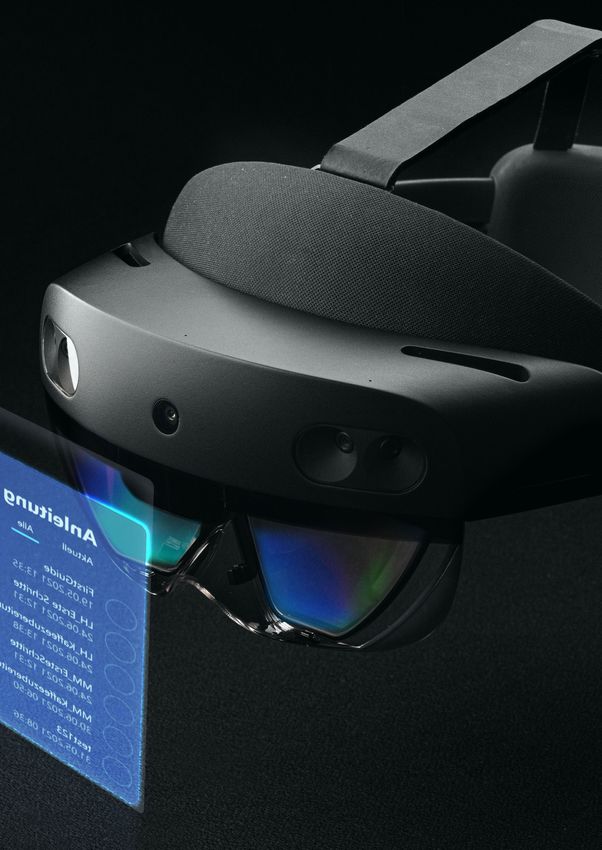
Experience innovation for yourself: In this one-day
hands-on workshop, we'll show you how to create a
mixed reality work environment on HoloLens 2 in
Microsoft Dynamics 365 Guides effectively
augmenting reality. This tool helps employees in your
organization to learn, communicate, and collaborate
more effectively. With your knowledge of these
solutions, you'll lead your industry into the future by
improving learning of training processes.

Schedule   2021/22
09/13/2021        Duration
10/11/2021        1 day (9:00 am – 04.30 pm)         Included
11/15/2021                                           Nespresso capsule coffee
12/13/2021        Price net                          machine
01/17/2022        € 590,00 plus VAT                  (for the practical exercises)
02/16/2022
03/17/2022
04/22/2022
05/16/2022

Optional

Rental fee Hololens:
€ 400,00 plus VAT for 4 weeks incl. insurance and return shipment

Rental fee notebook:
€ 200,00 plus VAT for 4 weeks incl. insurance and return shipment

       Register

                                                                              5   INCAS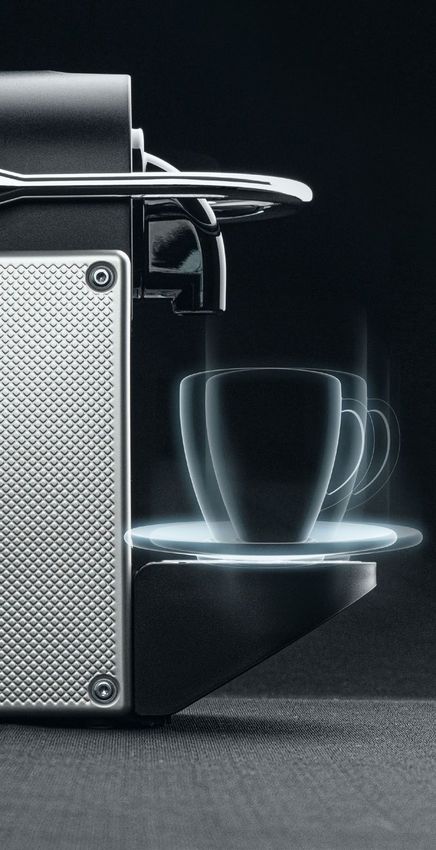
TECHNICAL REQUIREMENTS
AND EQUIPMENT
We create the environment for you to learn, try out and practice
under realistic conditions.

                                                                   02
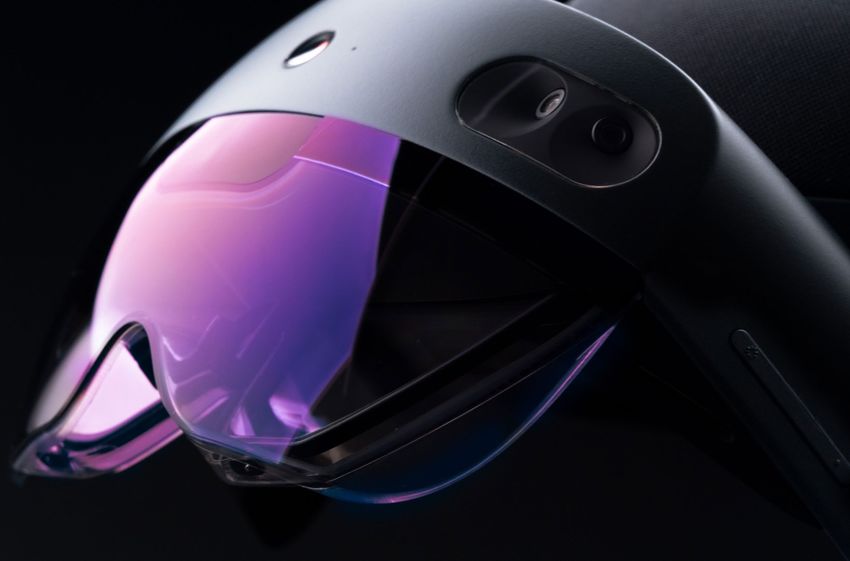
                                                                   Provisioning of a HoloLens 2

01
 Prerequisite for participation
                                                                   If a HoloLens 2 is not available, we offer you
                                                                   through a partner to rent a HoloLens for the
                                                                   duration of the training and a total period of four
                                                                   weeks. This enables you to continue working and
                                                                   practicing with the device after the actual
 For the training, we assume professional                          workshop. If required, the HoloLens 2 will be
 handling of Windows 10 as well as                                 delivered to the address of your choice after
 knowledge of simple administrative handles.                       booking the training. It is insured for the
 Beyond that, you do not have to fulfill any                       specified period and can be used freely. After the
 special requirements for participation.                           four weeks have elapsed, the device will be
 Neither prior knowledge of Dynamics 365                           returned to you with the enclosed return voucher
 nor experience with HoloLens 2 is required.                       in the existing outer packaging.

 A Windows 10 PC, a HoloLens 2 and a
 training object, the coffee capsule machine
 as a physical workpiece, on which Guides
 will be practically applied, are required for
 participation.

INCAS   6
03
             Hardware and software installation

             A PC with the current Windows 10 version
             is required. A Dynamics 365 Guides
             installation instruction will be provided. If
             you are using your own HoloLens 2, the
             permissions to install and manage
             HoloLens are required. Dynamics 365
             Guides is installed on the HoloLens via the
             Store. Optionally, INCAS provides you with
             a HoloLens 2 as well as a notebook with a
             pre-installed Dynamics 365 Guides training
             environment.

                                                             04
                                                             Capsule coffee machine as a test object

                                                             In order to provide all participants with the
                                                             same training environment, INCAS will provide
                                                             you with a Nespresso capsule machine, which
                                                             will be sent to you as a new item before the
                                                             training (De Longhi Nespresso capsule
                                                             machine).

                                                             The Nespresso capsule machine remains with
                                                             you after the training, so that you can
                                                             reproduce the exercises from the training at a
                                                             later time and you can create new step-by-step
                                                             instructions. It is an integral part of the
                                                             training.

Your exercise environment for training

                                                                                                     7   INCAS
WORKSHOP CONTENT

01
Introduction to Microsoft HoloLens 2
Get a basic overview of features, tips, and tricks for using
Microsoft HoloLens 2.

Set up useful features like the Windows Device Portal or using
Mixed Reality Capture to get a live preview right on your PC.

02
Introducing Microsoft Dynamics 365 Mixed Reality
Get a glimpse into the world of Microsoft Dynamics 365
Mixed Reality.

INCAS   8
Remote Assist

03
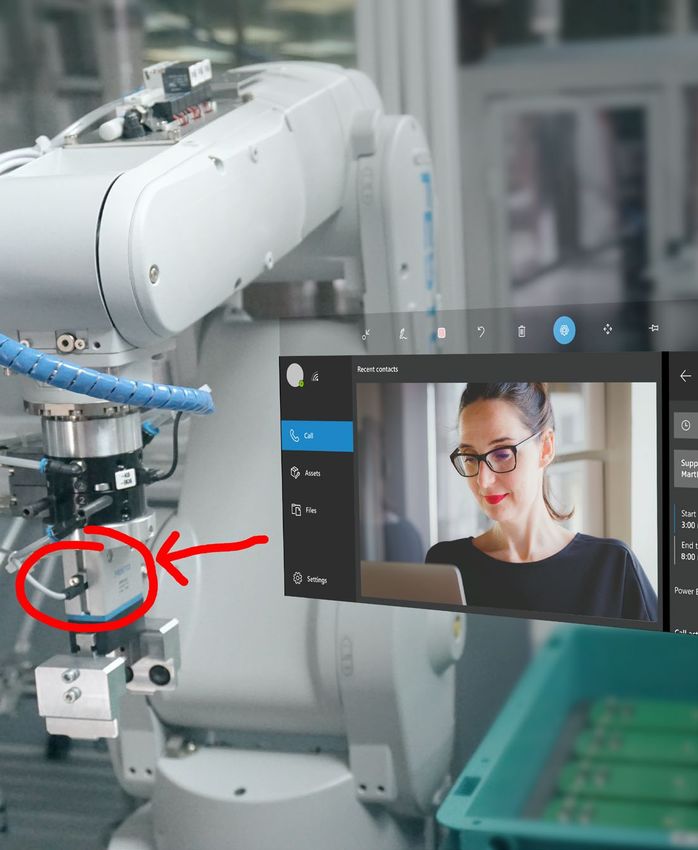
Introducing Dynamics 365 Remote Assist
Set up the Remote Assist app in interaction with
Microsoft Teams.

Get a hands-on demonstration of various cross-
hardware remote assist scenarios.

04
Dynamics 365 Guides – Administration as Admin
Learn step-by-step how to acquire guides via the
Microsoft 365 Admin Center and install them via
Power Platform.

Get a demonstration of how to configure and
manage each user.

                                                         9   INCAS
05
Creating your first guide as an author
Create step-by-step instructions using the                          Link the interactive content to real-world
Microsoft Guides application on your                                objects in "Author" mode on Microsoft
computer.                                                           HoloLens 2. Gain insight into the development
                                                                    of detailed work instructions by inserting
Learn how to optimally set the anchoring of                         photos, videos, actions, triggers and importing
the real world holograms.                                           your own 3D models. Link interactive content
                                                                    to real-world objects in "Author" mode on
                                                                    Microsoft HoloLens 2.

06
Dynamics 365 Guides - Use as operator
Take on the role of operator and run your created guide. Learn how to use
voice commands or run the guides in offline mode.

INCAS   10
07
Working with 3D models
Get a hands-on demonstration of converting
3D data (CAD) to polygon data for HoloLens 2
and Microsoft Guides.
Learn how to optimize your 3D data for
HoloLens 2.
08
Analyzing performance data
Use the Power BI desktop app to analyze data
from Microsoft Guides.
Set up the Power BI Report Template for
Microsoft Dynamics 365 Guides to identify
training needs and optimize your workflows.
CAD Convert
Power BI Report
11 INCASWHY INCAS TRAINING?
INCAS Training is a popular partner for the industry when it
comes to professional IT training since 1998. As a Microsoft
Gold Certified Partner from the very beginning, we offer cross-
technology and solution-oriented training that generates
sustainable and applicable knowledge. Solving complex
requirements often requires more than one tool: As an
Autodesk, Unity and Unreal Engine training partner from the very
beginning, we know the requirements in industry, corporations
and medium-sized businesses.
For us, learning is the mirror image of teaching. Good teaching
by dedicated trainers always leads to success.
ONLINE TRAINING
FROM INCAS TRAINING
INCAS Training is a Microsoft Learning
Partner and market-leading provider of
immersive technology training.
INCAS 12GOALS ACHIEVED AFTER TRAINING
YOU UNDERSTAND THE HANDLING
CONCEPT OF HOLOLENS 2
YOU CAN INSTALL MICROSOFT
GUIDES AND UNDERSTAND THE
INTEGRATION IN DYNAMICS 365
YOU CAN CREATE YOUR OWN
INSTRUCTIONS IN GUIDES
YOU HAVE AN INSIGHT INTO THE
POSSIBILITIES TO CUSTOMIZE
GUIDES TO YOUR NEEDS
13 INCASCONTACT PERSON
Kundenzufriedenheit steht bei mir an oberster
Stelle. Weiterbildung ist Vertrauenssache. Ich
möchte unsere Kunden und deren Prozesse
kennenlernen und ihre Anforderungen
verstehen. Denn nur so können wir bei INCAS
werthaltige öffentliche Trainings oder
gemeinsam mit dem Kunden einen maßge-
schneiderten Workshop planen.
Stephan Otten
Geschäftsführer
Phone: +49 2151 36625-14
Mail: otten@incas-training.de
Send email
Gute Planung und gute Vorbereitung
sind die beste Voraussetzung für ein
gelungenes Training. Wir müssen die
Kundenwünsche kennen und erarbei-
ten gemeinsam dem Kunden und
dem Trainer die perfekte Lösung. Wir
überlassen nichts dem Zufall.
Silvia Greve
Key Account Managerin
Phone: +49 2151 36625-19
Mail: greve@incas-training.de
Send email
INCAS 14„
Credentials HoloLens Training
Although I have been using the HoloLens2 for over a
year, I was able to expand my knowledge by a lot.
Lisa H., Kennametal Produktions
Now I can create worlds!
Johannes P., Daimler AG
Very good training program, very good presentation.
„
Michael V., BeerTec LLC
Thank you for the comprehensive intensive course.
Marcus S., Diehl Defence
www.incas-training.de
Register
15 INCASINCAS Training und Projekte GmbH & Co. KG www.incas-training.de T elefon: +49 2151 36625-0
Europark Fichtenhain A 15 info@incas-training.de Telefax: +49 2151 36625-29
47807 Krefeld - Germany
INCAS 16You can also read


