BRAND IDENTITY SIGGRAPH 2021
←
→
Page content transcription
If your browser does not render page correctly, please read the page content below

SIGGRAPH 2021
BRAND IDENTITY
OUR TAGLINE
      THE PREMIER CONFERENCE & EXHIBITION IN
    COMPUTER GRAPHICS & INTERACTIVE TECHNIQUES

Embracing a more descriptive approach, the s2021 tagline aims to clearly define the event and provide a
universal understanding of what SIGGRAPH is about.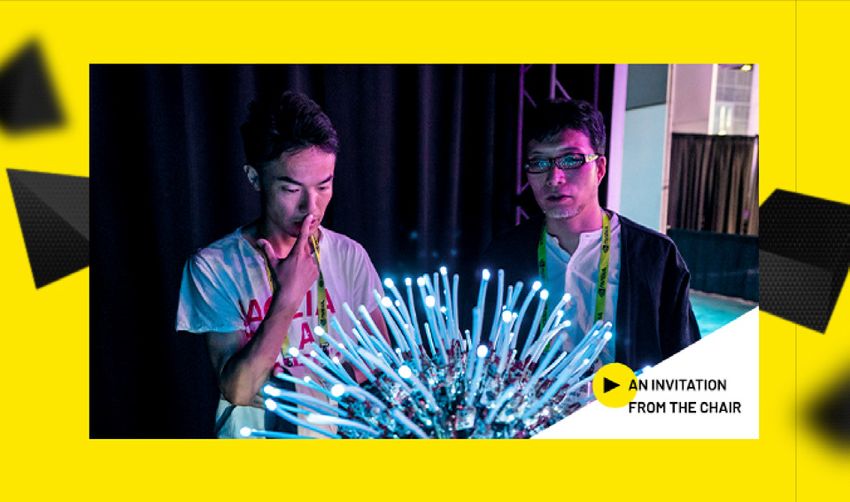
LOGO
DESIGN

 DOWNLOAD LOGO

                 3
BRAND
TYPOGRAPHY

                                                                             Barlow is the primary font family for print and digital
                                                                             channels. This typeface’s design was inspired by the visual
The following fonts will be used across                                      styling of California’s public signage like license plates
various channels and will cover a variety of                                 and highway signs, creating an intrinsic tie between the
use cases including;                                                         concept’s messaging and the location of the 2021 event.

PRINT

                                                BARLOW FONT FAMILY
The print font is to be leveraged in physical
pieces of collateral, signage and other
tangible items. This font will sometimes
differ from the logo font to ensure
                                                ABCDEFGHIJKLMNOPQRSTUVWXYZ
readability in large text areas.

DIGITAL

                                                BARLOW FONT FAMILY
The digital font will be used to allow
ultimate flexibility in editing and viewing
for your consumers across websites,
applications, and other displays on
                                                ABCDEFGHIJKLMNOPQRSTUVWXYZ
desktop and mobile devices.

           DOWNLOAD FONTS

                                                                                                                                       4
COLOR         This palette leans into neons and bright yellow as the main source of color with accents of true

STUDY         Pantone black for pops of contrast. This results in a much more colorful aesthetic that’s as
              bright and bold as the future of the industry.

        Pantone
        Black 6 C

        #000302
        75/65/66/90

        Pantone 805 C

        #F27176
        00/58/41/00

        Pantone 801 C

        #0099CE
        85/00/08/00

        Pantone 808 C

        #00B796
        NO CMYK

        Pantone 809 C

        #E1E432
        NO CMYK

        Pantone 803 C

        #FEE800
        00/03/97/00                                                                                              5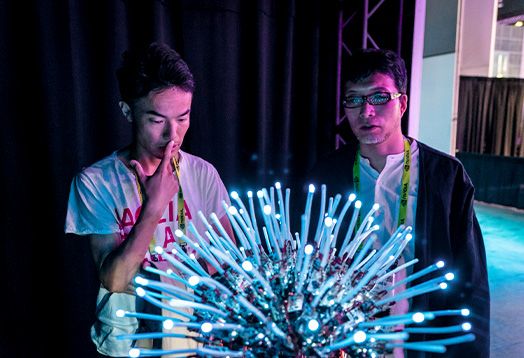
The use of photography within the SIGGRAPH 2021 branding should be intentional and

PHOTOGRAPHY
                                                  accompanied by impactful, supportive copy. Photos should feel personal, conveying a sense of
                                                  action, as well as thought provoking. They should also communicate the visionary and
                                                  forward-thinking nature of the conference.

FULL COLOR

When possible, photos should display more
than one person to create a sense of the
SIGGRAPH experience. Subjects should be
engaged in an activity or interacting with
people or technology. Use imagery that is
texturally rich and visually vibrant.

BLACK AND WHITE PORTRAITS

Use high contrast black and white
photography when highlighting individuals
such as speakers and committee members.
The cut-out treatment at right is optional
and may be applied to CTAs in print and web
collateral. Full black and white imagery may be
used for other use cases.

                                                                                                                                                 6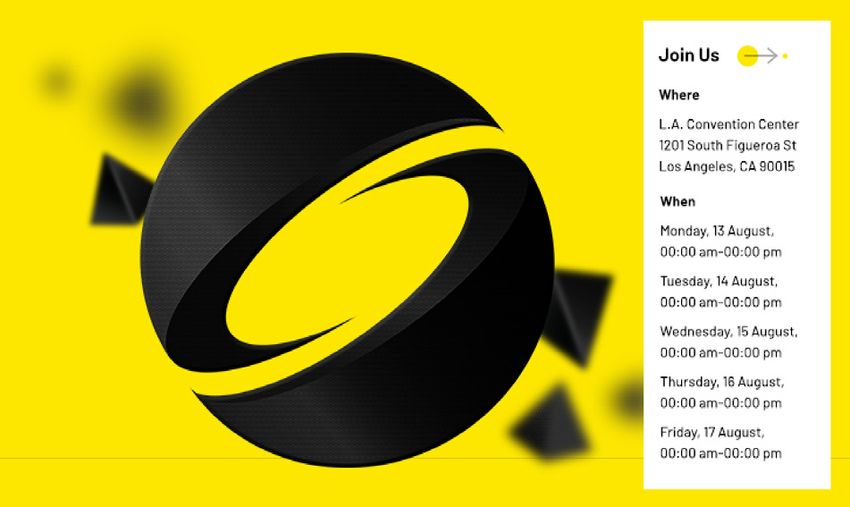
GRAPHIC
ASSETS
                                           SIGGRAPH 2021 branding leverages black iconography, 3D graphics and minimal, gridded layouts
                                           to create visual interest and intuitive hierarchy.

ICONOGRAPHY

Use specific icons when referencing
programs. Non-program icons may
be used to highlight callouts and          Examples of icons in use:
section headers.

      DOWNLOAD ICON LIBRARY

3D OBJECTS
                                           Examples of geometric shapes in use:
Black 3D shapes set against the yellow
background are used to build contrast
and create dramatic compositions that
highlight header areas and CTA sections.
Geometric shapes may be used on their
own or combined with main imagery to
create the illusion of depth.

   DOWNLOAD GEOMETRIC SHAPES

                                                                                                                                          7
GRAPHIC
ASSETS, CONT’D.
                                         SIGGRAPH 2021 branding leverages black iconography, 3D graphics and minimal, gridded layouts
                                         to create visual interest and intuitive hierarchy.

GRIDLINES

Gridlines help to denote sections and
provide structure to your collateral.
Use the following settings to apply to
your collateral

Print
Pantone Black 6C
0.75 PT
15% opacity

Digital
#000302
1 PX
15% opacity

On black backgrounds, use the
following at 15% opacity:
0,0,0,0 CMYK - Print
#FFFFFF - Digital

                                                                                                                                        8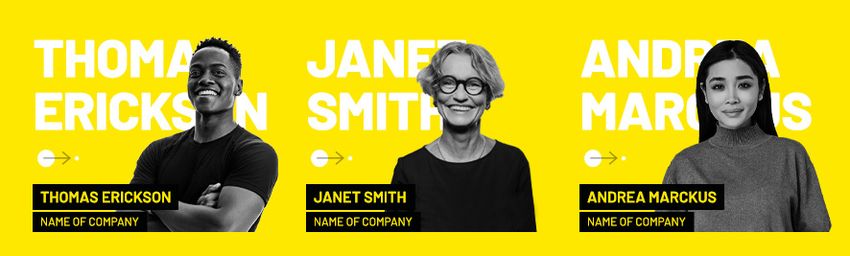
EMAIL
SIGNATURE

INSTRUCTIONS

1.   Visit this URL: http://email.nnja.co/
     siggraph/email-signature-2021/
     inline-2021-sig.html

2.   Select all: CTRL+A for Windows,
     CMD +A for Mac.

3.   Go into your email and paste CTRL+V
     for Windows, CMD +V for Mac.

4.   Select only the text you want to
     change (Name, Title, or Phone
     Number) and type in your new values.
     Make sure your selections are precise,
     as you may accidentally delete the
     invisible structure.

5.   Copy and paste this into your email
     client signature box to use as your new
     signature moving forward.

                                               9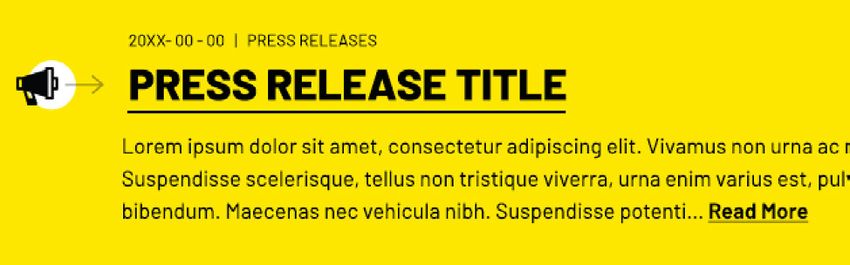
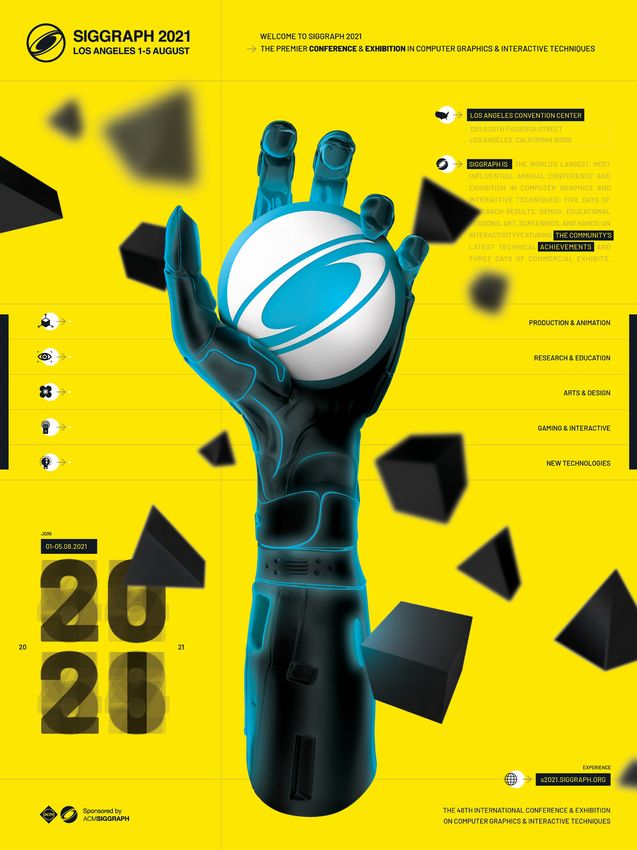
POSTER

Download the SIGGRAPH 2021 Poster.

         DOWNLOAD POSTER

                                     10
You can also read


