Flip the Future of Collaboration - Samsung Display Solutions
←
→
Page content transcription
If your browser does not render page correctly, please read the page content below
Flip the Future of Collaboration
2

    Transform
    the Modern Meeting

    The meeting is the foundation of today’s business world. It also can be one of its
    most challenging elements. Between preparing and moving supplies, finding a
    room and making sure every voice is heard, it’s easy for game-changing ideas to
    get lost in the process.

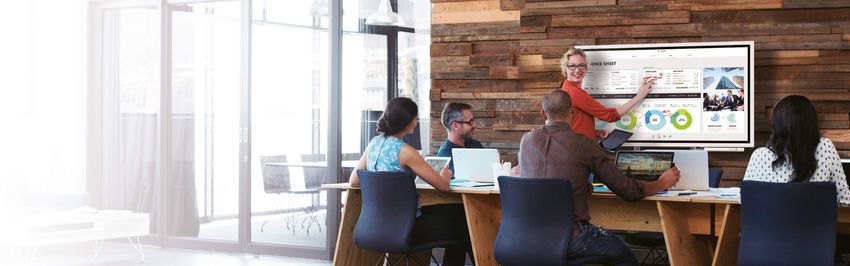
    Introducing the Samsung Flip, an interactive display that drives more productive
    and efficient collaboration without the hassle. With the Samsung Flip, meetings
    can take place anywhere and at any time, with all vital elements included.

    Business meeting logistics no longer need to be stressful. Envision how the
    Samsung Flip can help you and your team work smarter, faster and better.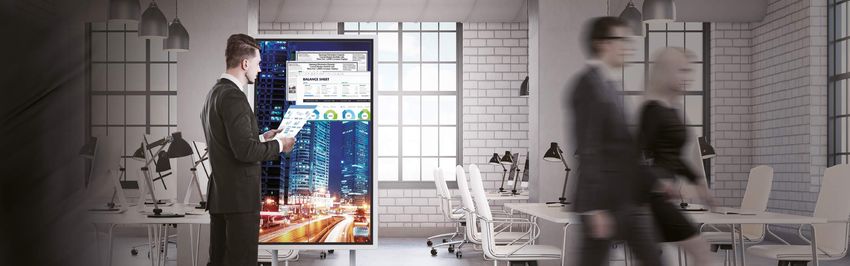
3
Innovation
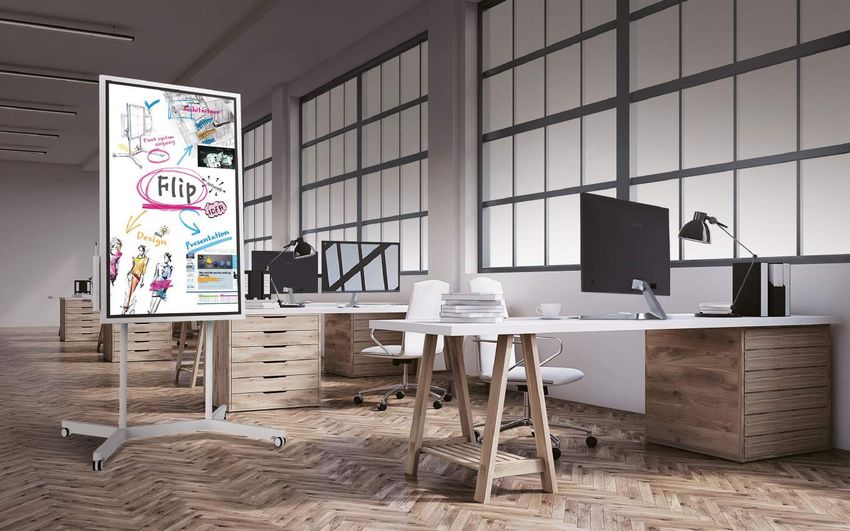
Whatever your collaborative needs, the Samsung Flip display can
improve the quality of any meeting. See your ideas come to life
in clear UHD picture quality. Activate the display through sensor
recognition to ensure your meeting starts on time.
And make any location a meeting space through a portable,
wheel-based stand. Facilitators and participants can trust the
Samsung Flip to enliven any conversation.
5

            Display                                                                           Touch
Samsung Flip presents all critical ideas in a clear and consistent         Samsung Flip is the ideal forum for simultaneous interaction. Up
format. Regardless of annotation size or style, the Flip display           to four different meeting participants can make notes using the
maintains brilliant, eye-friendly UHD picture quality. In turn, you and    embedded pen or virtually any writing tool. Additionally, you can
your colleagues can follow the conversation and remain engaged             sync and control content from your personal device to the central
at all times.                                                              screen for efficient collaboration.

  UHD                                                                       InGlass™                     Multi-writing               4 width object                   Touch out
                                                                                                           up to 4                    recognition                      control*

                                                                          *Touch Out Control is available through a touch USB cable connection or UIBC-connected Android mobile devices
                                                                            (2016 or later) and Windows 10 PCs.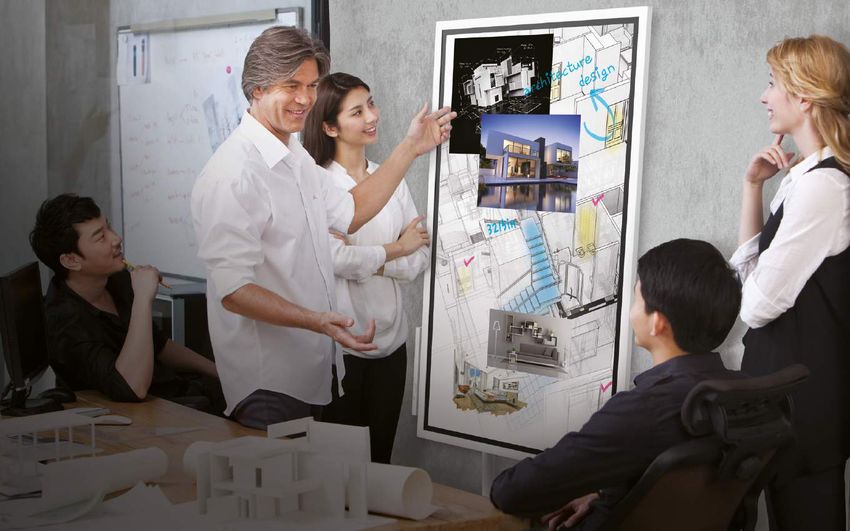
6

               Design
    Whether for a quick discussion or lengthy presentation, meeting
    notation no longer needs to be uncomfortable. Customize and
    work within your ideal writing dimensions. Leverage the optimized
    pivot height to automatically align the Flip to an ideal level. Utilize
    the ergonomic 4.5 degree tilt in portrait mode for a more natural
    writing angle. And configure the display in portrait or landscape
    orientations to maximize available writing space.

                                                                      4.5˚

      Easy moving         Convenient        Spacious tray        4.5° tilt in
        4-wheel           pen holder                           portrait mode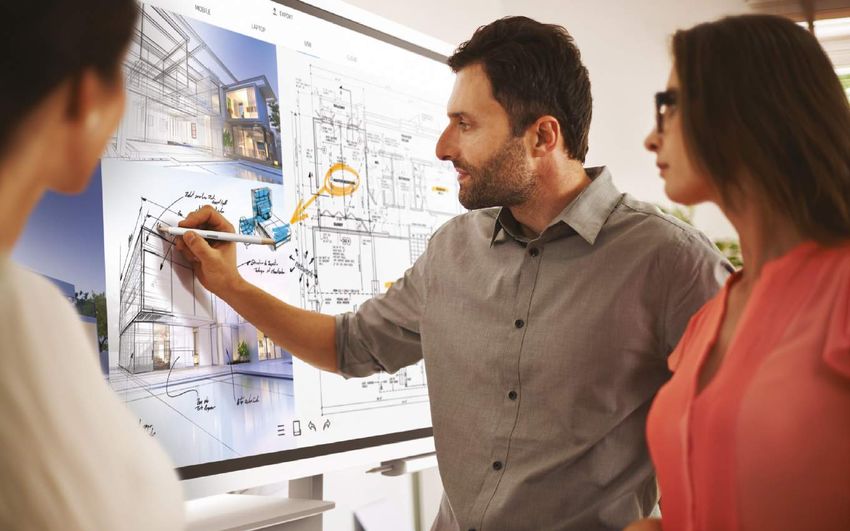
7

          Solution
The workday is busy, and you cannot afford to lose any time. The Samsung Flip
accommodates these demands and ensures that meetings start on time.
Embedded sensors automatically activate the display when you approach or
remove the pen from the holder. Samsung Flip also stores meeting notes in
real-time, preventing the need to stop conversation to save each page.

 Tizen       Sensor based     Internal
                              storage
Experience
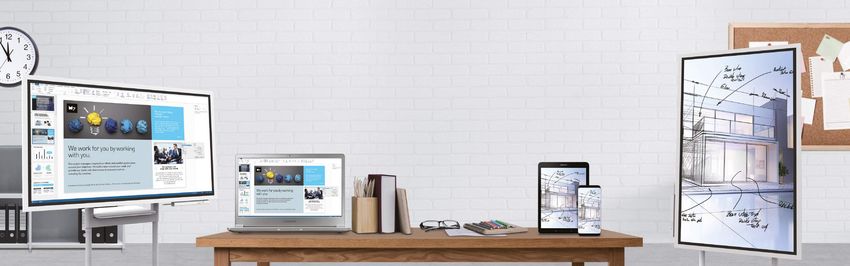
Take your traditional meeting to the next level. Through
the Samsung Flip’s mobile connectivity, you can introduce
images, charts or other essential files directly from your
personal devices...all in a clear, easy-to-read format. Better
yet, the Samsung Flip expands creativity without sacrificing
comfort, providing the same familiar writing experience as
that of a standard analog board or piece of paper. Expand
your collaborative capabilities without losing the meeting
essentials.
9

           Notation
The Samsung Flip enables you and your colleagues to bring your
unique style to the conversation. The display showcases smooth,
fast writing in a variety of colors and depths, with compatibility
for multiple writing tools. Need to erase a previous note? You can
quickly clear either a small section or full screen worth of content
using a hand swipe motion.

Passive pen     Smooth & fast       Flexible
                                    erasing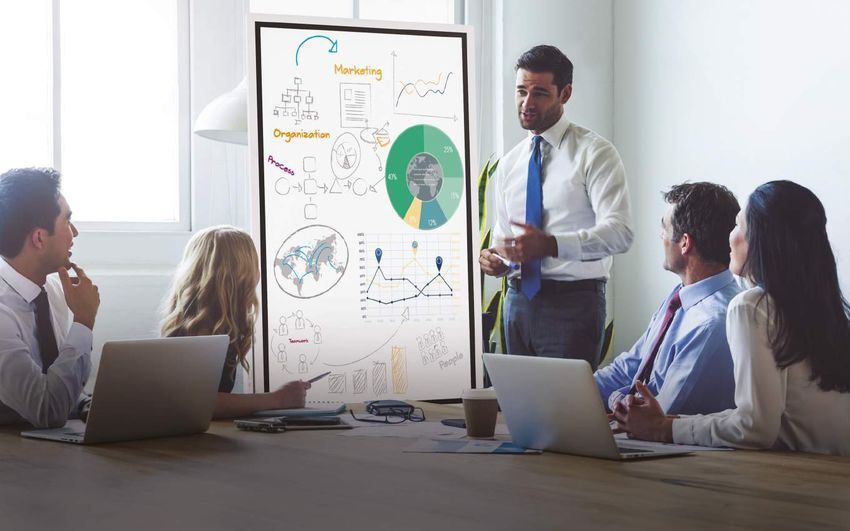
10

                Connection
     Standard meeting technologies make it difficult to locate the input
     sources required to connect external devices. Samsung Flip’s ver-
     satile connectivity makes dedicated USB, note PC, and tablet and
     mobile devices ports readily available, saving valuable meeting time
     while extending participation capabilities

      Note PC        Tablet      Mobile phone     USB
11
Synchronization
Today’s workers rely on their mobile devices to stay productive more than any
other workplace tool. The Samsung Flip supports the mobile movement through
extensive connectivity that makes on-screen content visible without interruption.
And through integrated NFC and screen mirroring technologies, participants can
mirror materials directly from their smartphone onto the central screen.
Wireless NFC Screen
Windows 10 mirroring
*Samsung Galaxy Series devices (2016 or later) with an updated Android Oreo OS can launch screen mirroring via NFC tagging
*Samsung Galaxy Note 8 and Galaxy Series devices (2016 or later) with an updated Android Oreo OS support full screen mirroring
in portrait mode12
Navigation Presentation
You and your colleagues no longer have to sort through stacks of paper The Samsung Flip offers added flexibility for a flawless presentation
charts to find specific ideas or conversations. Samsung Flip eliminates in any desired format. Regardless of huddle room dynamics, you
this tiresome process by housing all meeting notes in a central storage and your colleagues can showcase content in portrait or landscape
database, with convenient search and navigation functionalities capable mode thanks to convenient pivot functionality. The Samsung Flip also
of locating a specific item in seconds. Detailed previewing also shows how upholds steady organization through clear page dividers, with the
a recap will look before it is shared with live and remote participants. ability to quickly scroll through up 20 pages at a time.
Page preview Quick finder Capture & Pivot Up to 20 pages Seamless
annotation scroll13
Distribution Protection
If you have ever had to capture handwritten meeting notes or send a Although the Samsung Flip allows for many users and access
detailed recap to your team, you understand how frustrating wrap-up can points, it also ensures that confidential meeting information re-
be. Samsung Flip eliminates the need for this cumbersome process through mains in the right hands. Trust the Flip’s airtight, password-based
easy storage and distribution. Now, you can instead send digital notes to security system to safeguard your most important documents.
your colleagues via email, printing*, and network or USB storage, saving time The result is a more free and boundless exchange of ideas that
while also preventing important ideas from being erased, ruined or lost. any business can benefit from.
*Flip users can print notes only via a Windows 7 or 10 OS-powered server or machine. Server software also is available at
www.samsung.com or displaysolutions.samsung.com
E mail Printer Network USB Setting Lock/Unlock
Storage Storage passwordStory Regardless of your industry or work environment, the Samsung Flip is the perfect addition for any meeting needs. The Flip’s diverse functionalities accommodate both creative and informa- tion-based operations, creating a more seamless and interactive team dynamic. Any market and team stands to benefit from the faster, clearer and more organized exchange of ideas now made possible by the Samsung Flip.
16

                   Ideas
     Design Boutique
     Explore Unlimited Creative Possibilities

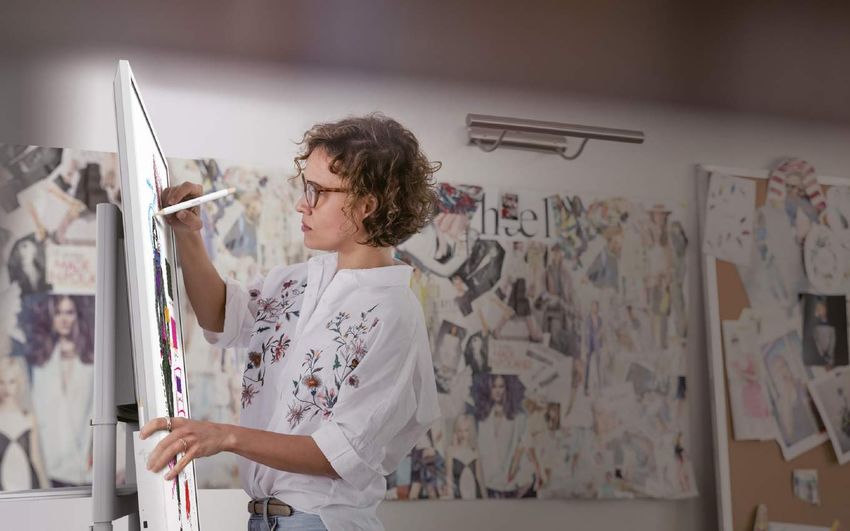
     Samsung’s interactive Flip display empowers creatively-rooted
     businesses to develop messages that resonate with colleagues and
     clients. Visual storytellers can customize text styles, colors and sizes,
     all while enjoying a familiar and comfortable writing experience. The
     Samsung Flip also offers sufficient writing space and centralized stor-
     age to ensure an uninterrupted exchange of game-changing ideas.
17
Insights
Digital Marketing Agency
Condense Widespread Collaboration to a Single Space
For projects involving multiple stakeholders and documents, Samsung’s Flip display drives more centralized and efficient teamwork. Up
to four participants can write simultaneously, and facilitators and attendees also can introduce new ideas and content from connected
mobile devices. As meetings conclude, participants can digitally share and review notes, eliminating the need for a written recap.19
Views
Architect Off ice
Expand the Workspace in an All-in-One Format
Narrow work spaces and stacks of paper often prevent architects’ ideas from reaching full poten-
tial. Through streamlined creativity and organization, Samsung’s Flip display helps architects achieve
more efficient design, presentation and supervision. Centralized storage prevents misplacement by
housing all relevant documents in a single, easily-accessible location. The Flip’s pivot flexibility also
extends available comfortable drawing space in both portrait and landscape modes.20
Spaces
Communal Off ice
Transform any Space into a Huddle Room
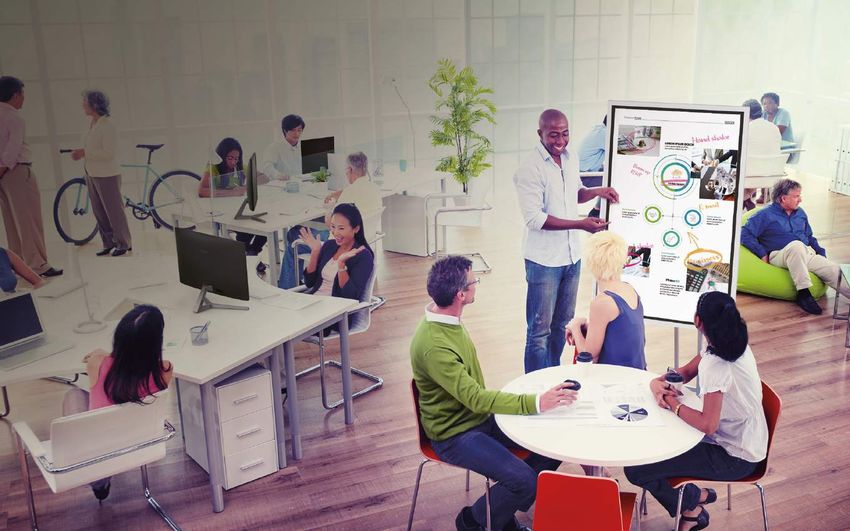
For businesses with limited meeting space, Samsung’s Flip display opens
new avenues for idea generation. The display’s portable stand transforms
any space into a meeting room, with convenient wall mounts also availa-
ble for temporary installations. For added convenience, the Flip’s central
screen, push button and pen lift recognition immediately activate the
display and ensure that meetings start on time. A sleek, stylish design also
brings performance and sophistication to any meeting environment.Specifications
Flip set
Diagonal Size 55"
Type 60Hz E-LED
3,840 x 2,160 (Landscape)
Resolution 2,160 x 3,840 (Portrait)
Panel Brightness(Typ.) 300 (without glass), 220 (with glass)
Contrast Ratio(Typ.) 4700:1 (Typ.)(without glass)
Viewing Angle(H/V) 178:178
Response Time(G-to-G) 8ms(Typ.)
Sound Speaker Type Built in Speaker (10W x 2)
RGB -
VIDEO HDMI 1
INPUT
AUDIO -
USB USB 2 (ver 2.0x2, Side 1, Sensor Assy 1)
RGB -
Connectivity
VIDEO -
OUTPUT
AUDIO -
Touch Out Touch Out 1 (Side, USB Upstream Type)
INTERNAL SENSOR NFC, Acceleration sensor, Proximity Sensor
EXTERNAL CONTROL Touch Input RJ45 (not for User Control)
Type Inglass™ Technology
# of Drawing 4 drawing
Touch Touch Pen Type Passive Pen
Object Recognition Range 2mm/ 4mm / 8mm / 50mm
Touch Response Time 38ms ~ 46ms (According to number of Multi Drawing )
Type Internal
Power Supply AC 100~240V 50/60Hz
Max[W/h] 165
Power Typical[W/h] 100
Power Consumption Rating[W/h] 150
Stand-by[W/h] 0.5
BTU[W/h] 562.65
Set 1302.6(W) * 805.5(H) * 52.0(D)
Dimension (mm)
Package 1469(W) * 924(H) * 210(D)
Set 28.9
Weight (kg)
Package 34.9
Color Light Gray
VESA Mount 400 x 400
“Mechanical Spec”
Protection Glass Yes
Stand Type Moving Stand(Acc), Wall Mount
Media Player Option Type N/A
Rotation Available with Flip Stand (Rotation Sylinder Included)
Power Cable Length 3m
Accessory Cover-Jack
Operating Temperature 0℃~ 40℃
Operation
Humidity 10~80%22
Specifications
Flip set
Key Flip App
Super Clear Coating, Temperature Sensor, Pivot Display, Clock Battery(168hrs Clock Keeping),
H/W
Built in Speaker(10W x 2), WiFi Module Embedded
Special S/W Flip S/W
Platform Kant-M (Tizen 3.0)
Processor CA72 Quad(1.7GHz)
On-Chip Cache
L1 (I/D) : 32KB / 32KB L2 (Unified) : 1MB
Memory
Feature Clock Speed 1.7GHz CPU Quad
Main Memory
LPDDR4 1400MHz 64bit 3GB
Interface
“Internal Player
Graphics 2D & 3D Graphics Engine - Up to 1920x1080. 32bpp - Supports OpenGL ES
(Embedded H/W)”
8GB
Storage
(2.65GB Occupied by O/S, 5.35GB Available, )
*Video Decoder : MPEG-1/2/4, H.263, H.264/AVC, UHD H.264/AVC, VC-1, AVS+, HEVC, JPEG, PNG, VP8, VP9
Multimedia
*Audio Decoder : AC3 (DD), MPEG
IO Ports USB 2.0
Operating System Samsung Proprietary OS(VDLinux)
Included Passive Pen(2), Power Cable, Touch Out Cable (USB upstream)
Stand STN-WM55H
Accessories
Optional Mount WMN-6575SD
Flip UX
CPU
N/B
S/B
GPU
FDM/HDD
Media Player Memory N/A
Ethernet
USB
Connectivity Output
Others
Flip stand
Set 1023 x 1611 x 991 mm
Dimension (mm)
Package 31.7 kg
Set 1,682 x 221 x 1,038 mm
Mechanical Weight (kg)
Package 41.8 kg
Spec
Color Light Gray
VESA Mount 400 X 400
Rotation Pivot Supports (90º)
Connectivity Extention Connectivity from SET HDMI 1 / Touch Out 1 / RJ45 1 /Power 1
Accessories Installation Guide
Feature Special H/W Rotation(4-Wheels) / Pivot(90º) / Pen & NotePC Tray (Rear)Installation guide
24
                    Installation guide

Technical drawing

                Flip Landscape Dimension   Flip Portrait Dimension
You can also read


