User guide Make the most of your account - MightySighty
←
→
Page content transcription
If your browser does not render page correctly, please read the page content below
v1_2020

User guide
Make the most of your account
v1_2020

Store. Manage. Share.
Digital asset management made simple.
                         MightySighty is the place to manage your brands assets. Via the
                         simple interface you can upload, download and share, all from one
                         location. Search by file name, tag, by file type or by collection and
                         keep your assets up-to-date with straightforward version control.
                         It’s that easy. With unlimited users, your whole business can benefit
                         from the ease of being able to access all your assets hassle free.

                         UPLOAD      TA G       SEARCH      COLLECT     S AV E   DISTRIBUTE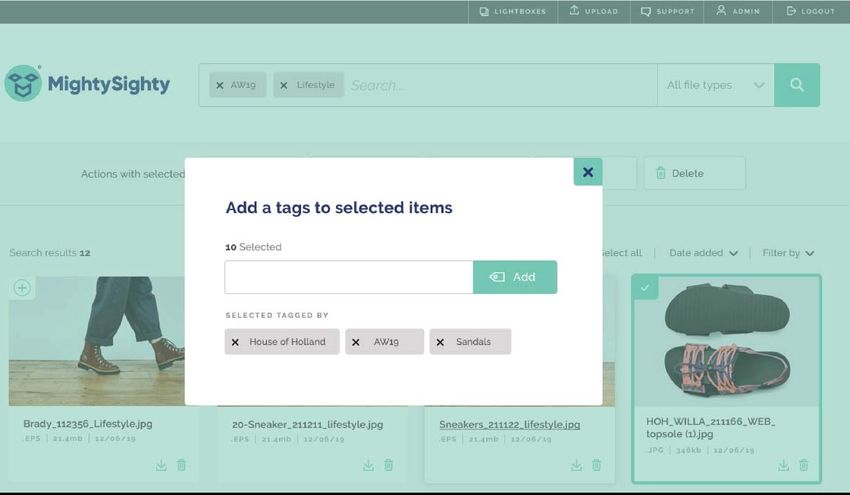
v1_2020

Store
Cloud based storage for
all your assets, accessible
via a user friendly web
based interface.
v1_2020

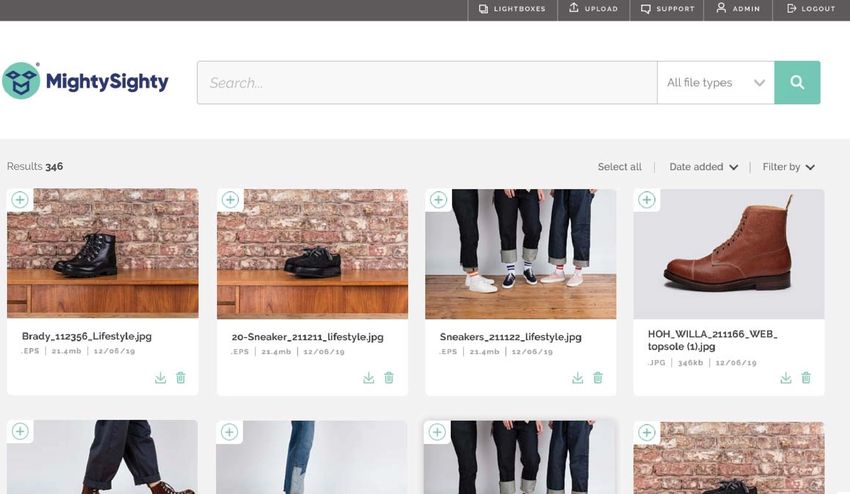
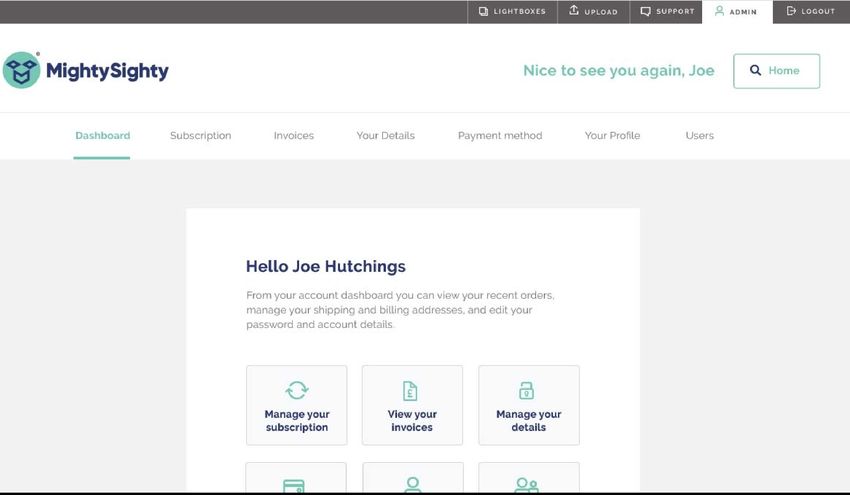
Simple, visual interface with large
image thumbnails allows for quick
and easy navigation and filtering.
Hassle free downloads and options
make using MightySighty intuitive and
straightforward.
v1_2020

       Search

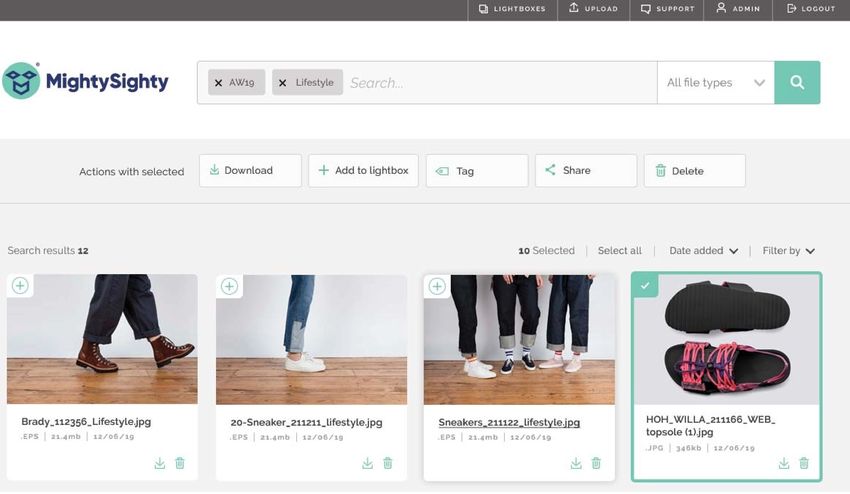
Searching couldn’t be easier. Search
by tag, by file name and by file-type.
Use multiple search phrases to help
you pinpoint the exact images you
need. Handy sort options allow you to
view by date, relevance and popularity.
No hurdles and no nonsense.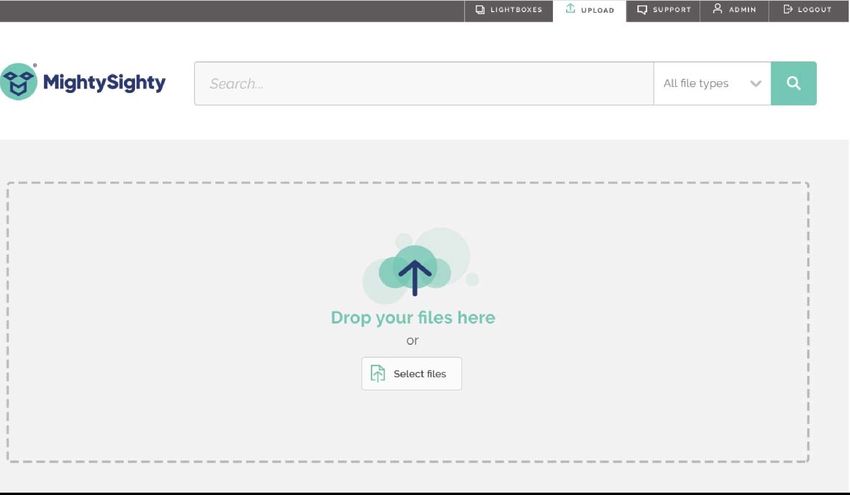
v1_2020

Manage
With easy drag and drop
uploads, group tagging
and ability to create
collections, managing your
assets couldn’t be simpler.
v1_2020

       Upload

Easy drag and drop uploads make it
straightforward for your entire team
to add files. Once uploaded they are
accessible and viewable by everyone.
To ensure they can be found, we
advise labelling your files appropriately
beforehand, but you also have the ability
to change file names once uploaded.
v1_2020
Tag
Group and individual tagging allows for
ease of searching. Simply select desired
images and add tags, simple as that.v1_2020
Collect
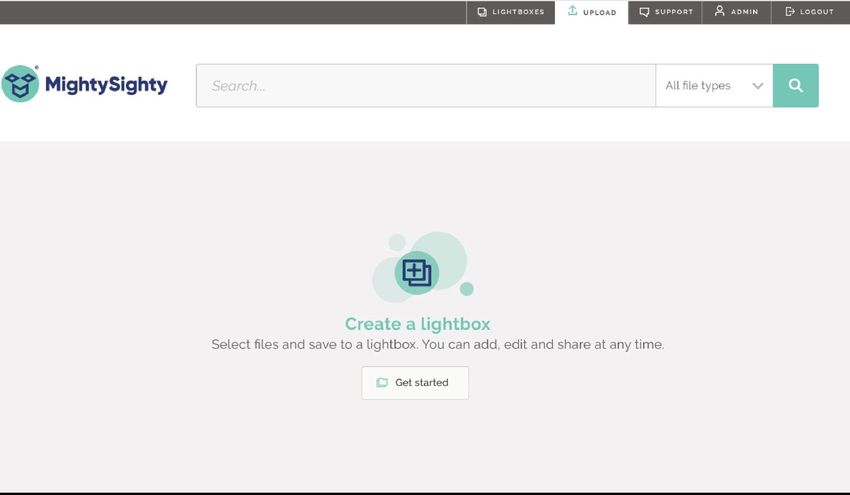
Create lightbox collections of images
with ease. Simply select your images
and click ‘add to lightbox’. You can then
save to existing or create a new one.
You can add titles and a description
to help you, your team and your
collaborators.v1_2020
Admin
Within admin area, you are able to
personalise your account with your
brand logo and colours,
You can manage users, assigning
user roles with different levels of
control and ability:
• Admin - view, upload, download, tag,
delete and add users.
• Editor -view, upload, download, tag.
• Viewer -view, download,
For the account owner, there is full control
over payment and invoice history and easy
upgrading/downgrading options.,v1_2020 Share Share assets with anyone with ease. With email notifications for receipt and download, you will always know your files are in the right place.
v1_2020

        Distribute

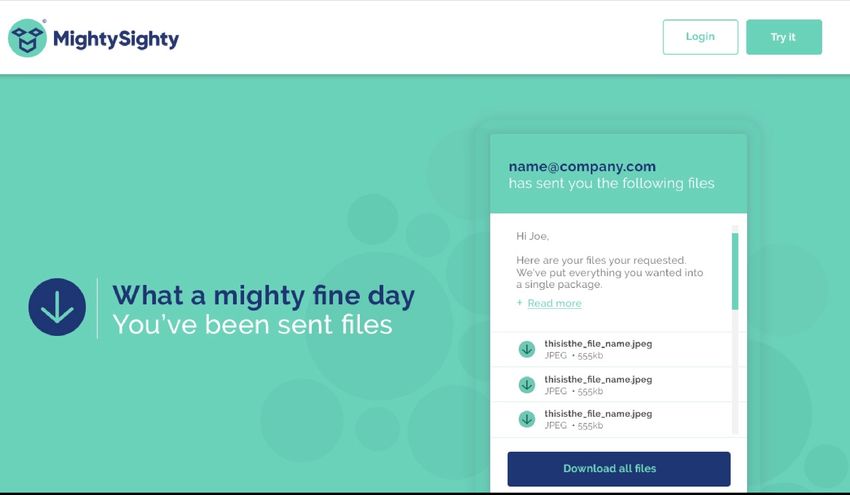
Easily share files directly from the
interface. Simply select the file you want
to share and input their email address.
Easy peasy. Depending on the level of
your account, you can share files up to
15gb (much bigger than wetransfer!).
v1_2020 Secure MightySighty is partnered with Amazon Web Servers to deliver a world class user experience and a framework to support performance and scalability. We utilise Amazon’s S3’s highly durable storage infrastructure designed for mission-critical and primary data storage. Objects are redundantly stored on multiple devices across multiple facilities in an Amazon S3 region. Once the objects are stored, Amazon S3 maintains their durability by quickly detecting and repairing any lost redundancy. It is designed to provide 99.999999999% durability and 99.99% availability of objects over a given year. This means that if you store 10,000,000 objects with Amazon S3, you can on average expect to incur a loss of a single object once every 10,000 years.
v1_2020

hello@mightysighty.com   /   +44 (0)1225 472 920
You can also read


